Tenders
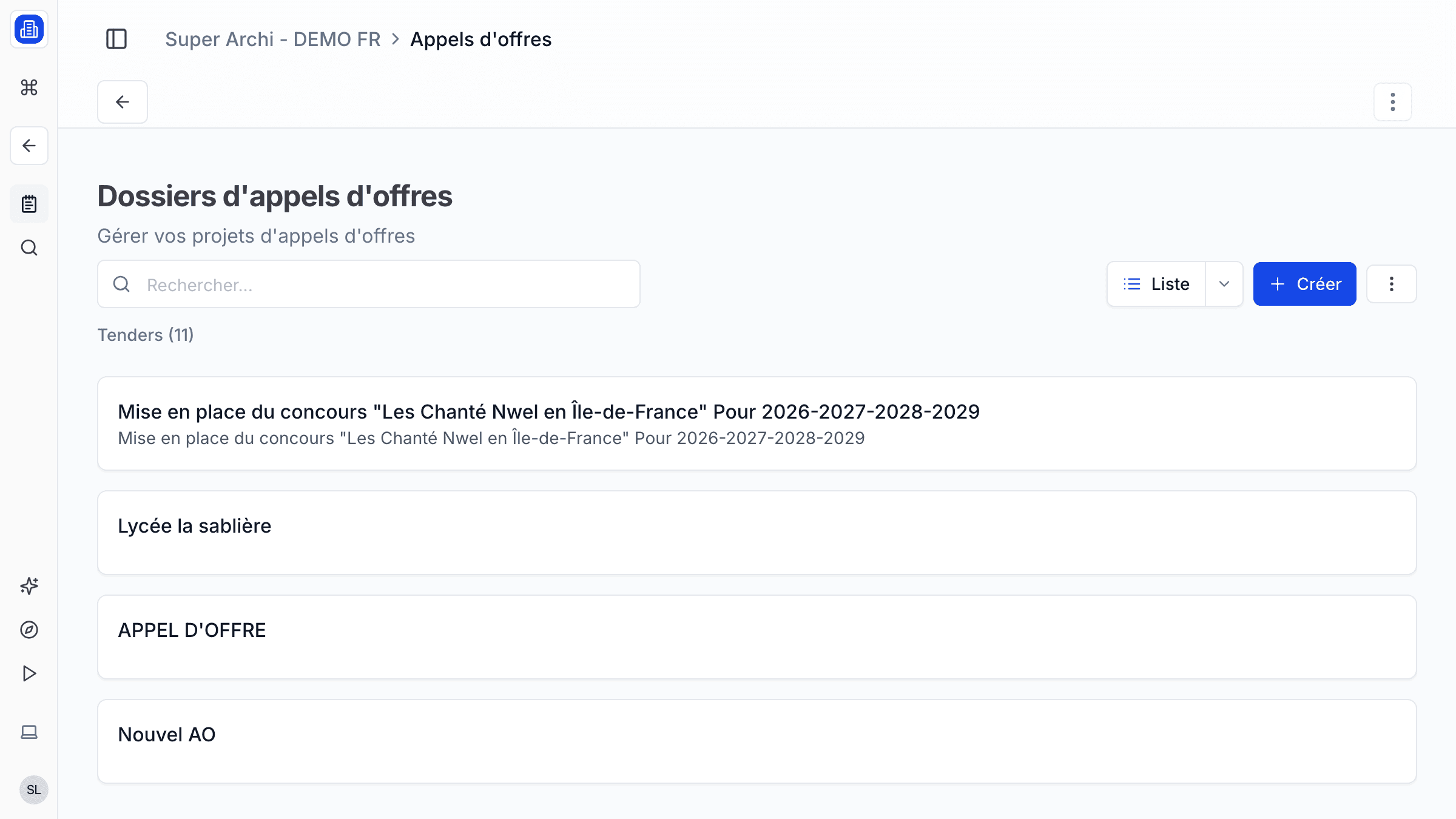
Respond to public and private tenders efficiently with SuperArchi Tenders. Aggregate opportunities from multiple sources, extract key requirements with AI, draft your response, and track each tender through its lifecycle — all in one workflow.
Key Capabilities
- Aggregate tender notices from public procurement portals and custom sources
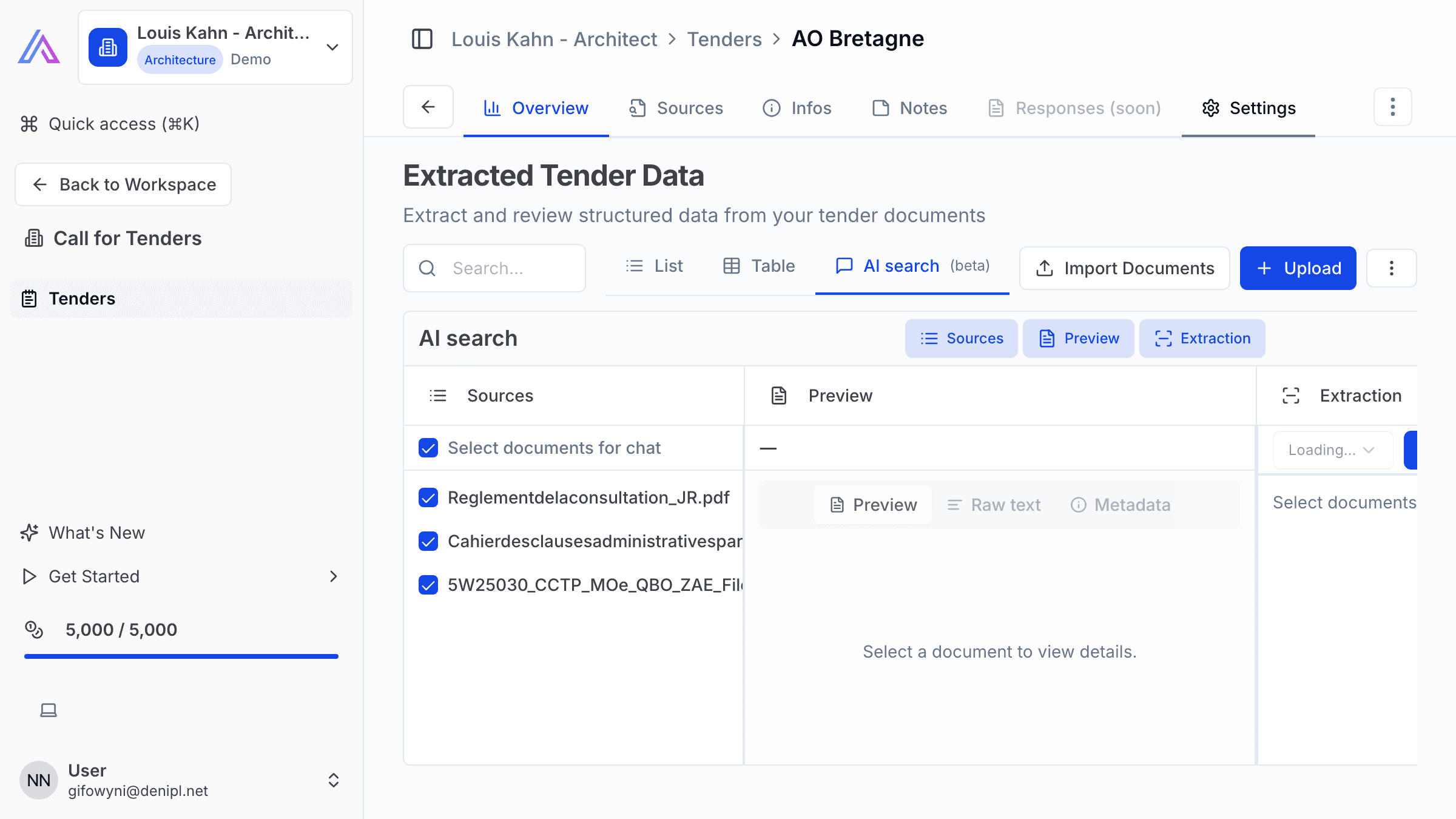
- AI-powered extraction of deadlines, eligibility criteria, and required documents from RFP PDFs
- Organise tenders by status: New, Analysing, Preparing, Submitted, Won, Lost
- Collaborative response drafting with section assignments for team members
- Checklist of required documents with completion tracking
- Archive past submissions for reference on future tenders
How It Works
- Open the Tenders section and click Add Tender. Paste the URL or upload the RFP document.
- SuperArchi extracts key information — submission deadline, budget, eligibility requirements — and populates the tender card.
- Review the extracted data and move the tender to Analysing to decide whether to bid.
- If you decide to respond, move to Preparing and assign response sections to team members.
- Once all sections are complete, compile the final submission, mark the tender as Submitted, and set a reminder for the result date.
Tips & Best Practices
- Set up keyword alerts for new tenders matching your firm's specialties (e.g., "healthcare", "educational facility").
- Use the AI extraction review step carefully — always verify deadlines and mandatory requirements against the original document.
- Start your response with the executive summary and project references, as these are often the most weighted sections.
- After each tender result, update the status and log lessons learned for continuous improvement.
Related Features
- Estimating — Build the financial proposal for your tender response
- Directory — Manage contacts involved in tender responses
- Documents & Files — Store RFP documents and your submission files
FAQ
Which procurement portals are supported? SuperArchi aggregates notices from major European public procurement platforms. You can also add custom RSS feeds or manually upload tender documents.
Can I collaborate on a tender response with external partners? Yes. Invite external collaborators to specific tender sections. They receive a link to edit their assigned part without accessing the rest of your workspace.
How long are archived tenders kept? Archived tenders and their associated documents are retained indefinitely on your account, so you can always reference past submissions.
Last updated: 10 April 2026