Estimating
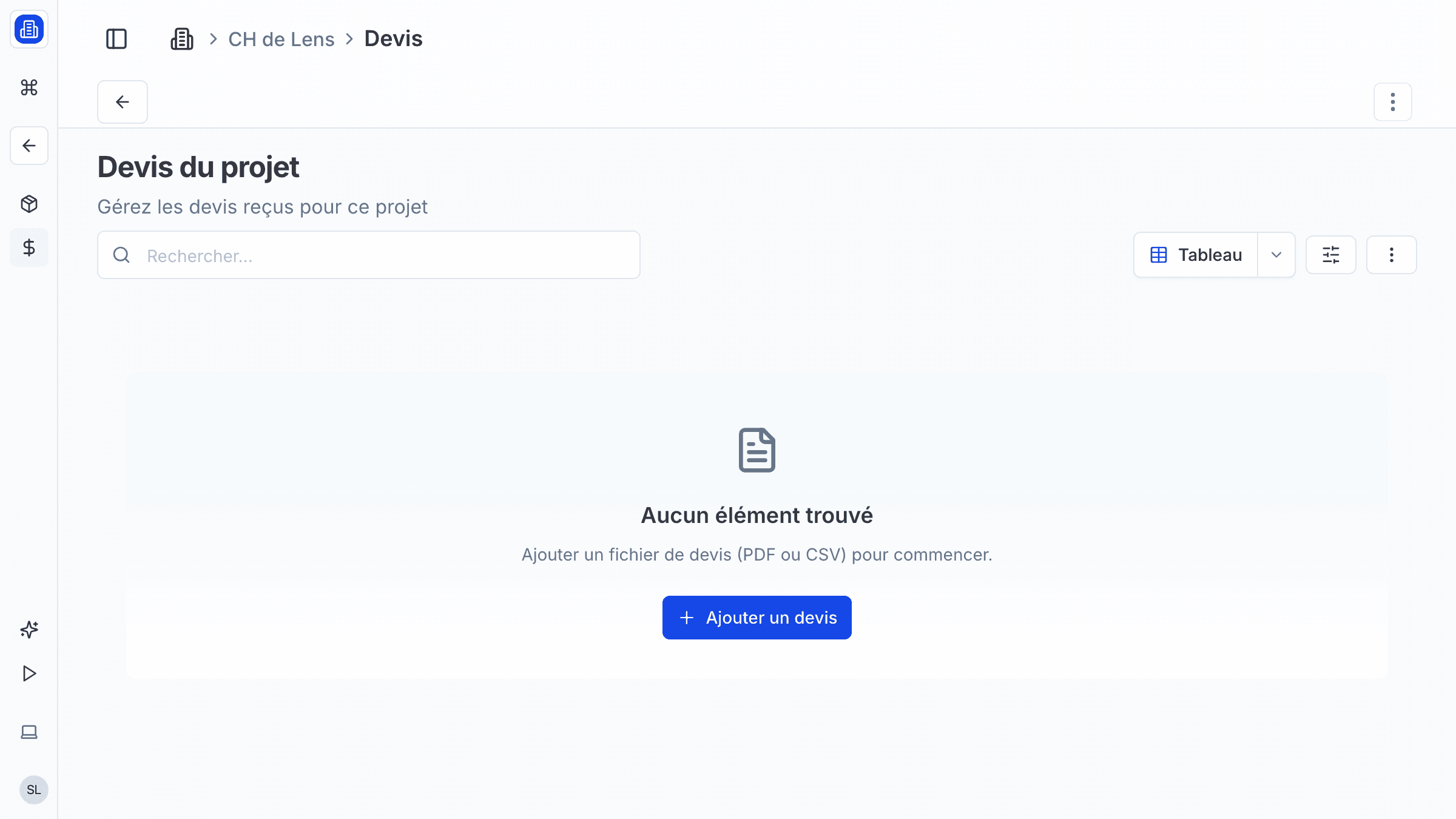
Build accurate cost estimates and manage quotes for your architecture projects with SuperArchi Estimating. Define cost items, apply unit prices, request quotes from contractors, and generate professional estimate documents — all in one place.
Key Capabilities
- Create estimate line items with description, quantity, unit, and unit price
- Organise items by lot (structural, MEP, finishes, landscaping, etc.)
- Apply price libraries with pre-defined unit costs that your firm can maintain and update
- Request and compare quotes from contractors for specific lots or line items
- Automatic totals, subtotals, and tax calculations
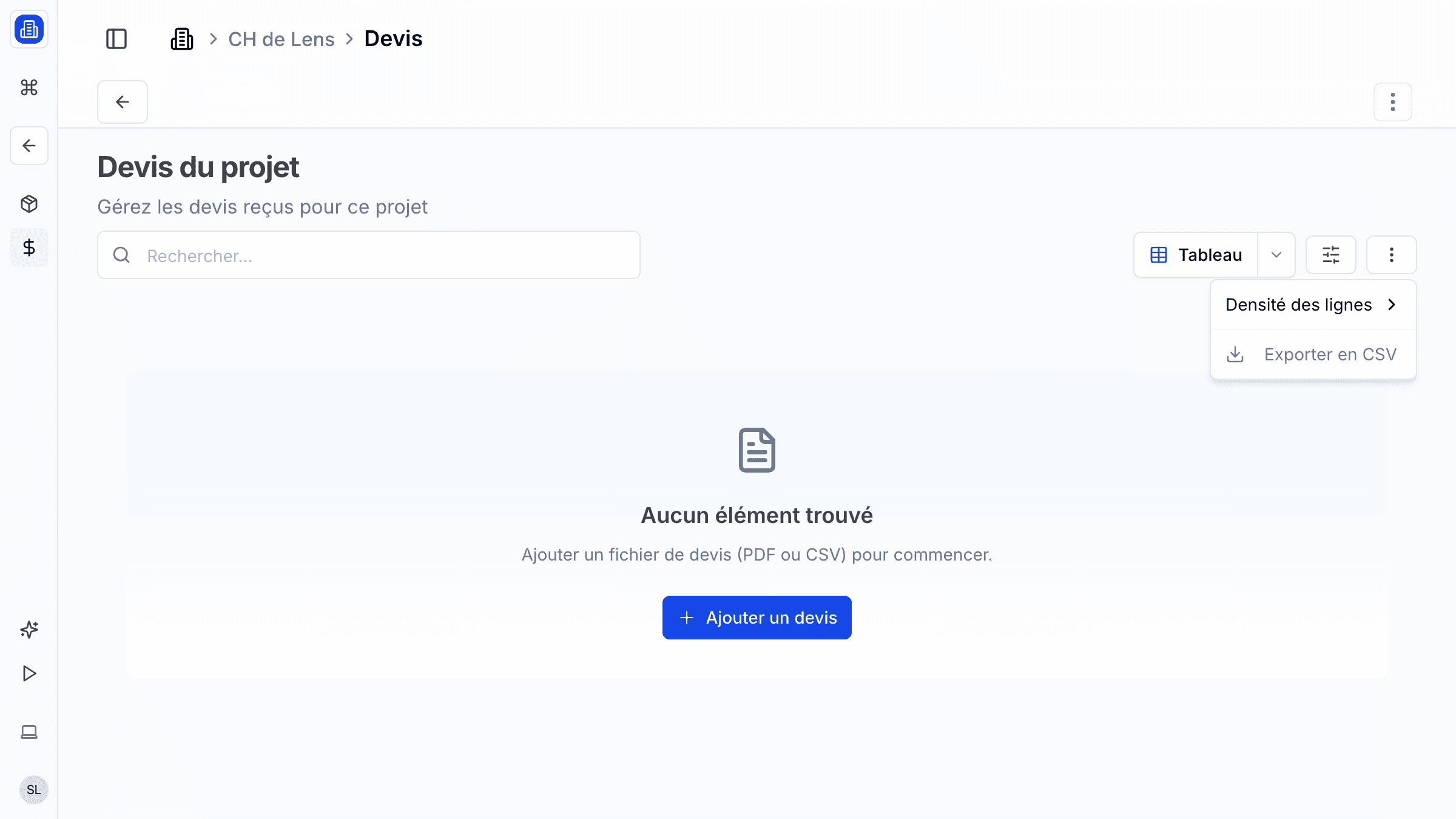
- Export estimates as formatted PDF or Excel documents for client presentation
How It Works
- Open a project and navigate to the Estimates tab. Click New Estimate and give it a name (e.g., "APD Budget Estimate").
- Add lots to group your cost items (e.g., "Lot 1 — Structural", "Lot 2 — Facade").
- Within each lot, add line items with quantities and unit prices. Use the price library to auto-fill common items.
- Send selected lots to contractors to request quotes, then compare responses side by side.
- Review the summary table and click Export to generate a PDF or Excel file for client review.
Tips & Best Practices
- Keep your price library up to date with recent market rates to ensure estimate accuracy.
- Create estimates at each project phase (esquisse, APS, APD) and compare them to track cost evolution.
- Use the notes field on each line item to document assumptions and scope clarifications.
- Always include a contingency lot (typically 5-10%) to account for unforeseen costs.
Related Features
- Projects — Estimates are linked to project packages and phases
- Tenders — Use estimates as the basis for tender financial proposals
- Documents & Files — Exported estimate PDFs are saved in the project document library
FAQ
Can I import an estimate from Excel? Yes. Use the Import feature to upload an Excel file. Map your columns to SuperArchi fields (description, quantity, unit price) and the line items will be created automatically.
How do I request a quote from a contractor? Select the lots or line items you want priced, click Request Quote, and choose contractors from your directory. They receive a link to submit their pricing without accessing your full estimate.
Can multiple people edit the same estimate? Yes. Estimates support concurrent editing. Changes are saved in real time, and a version history lets you review or restore previous versions.
Last updated: 10 April 2026