Information spreads fast in a 5-30 person studio
PDFs, emails, shared drives, WhatsApp messages, meeting notes. The result is predictable:
Time lost searching for the right document
Decisions forgotten between meetings
The same questions asked again and again
Avoidable rework due to missing context
What you get with SuperArchi Knowledge base
A project knowledge base connected to AI
Locate the right document fast
Find the right document or clause in seconds, not hours. No more digging through folders.
Extract constraints and deliverables
Pull out constraints, deliverables, deadlines, and responsibilities from any document.
Summarize into actionable points
Turn long documents into clear, actionable summaries your team can act on immediately.
Project memory that survives
Keep a project memory that survives handovers, vacations, and team changes.
How Knowledge base works in practice
From upload to structured answers — see what happens at each step.
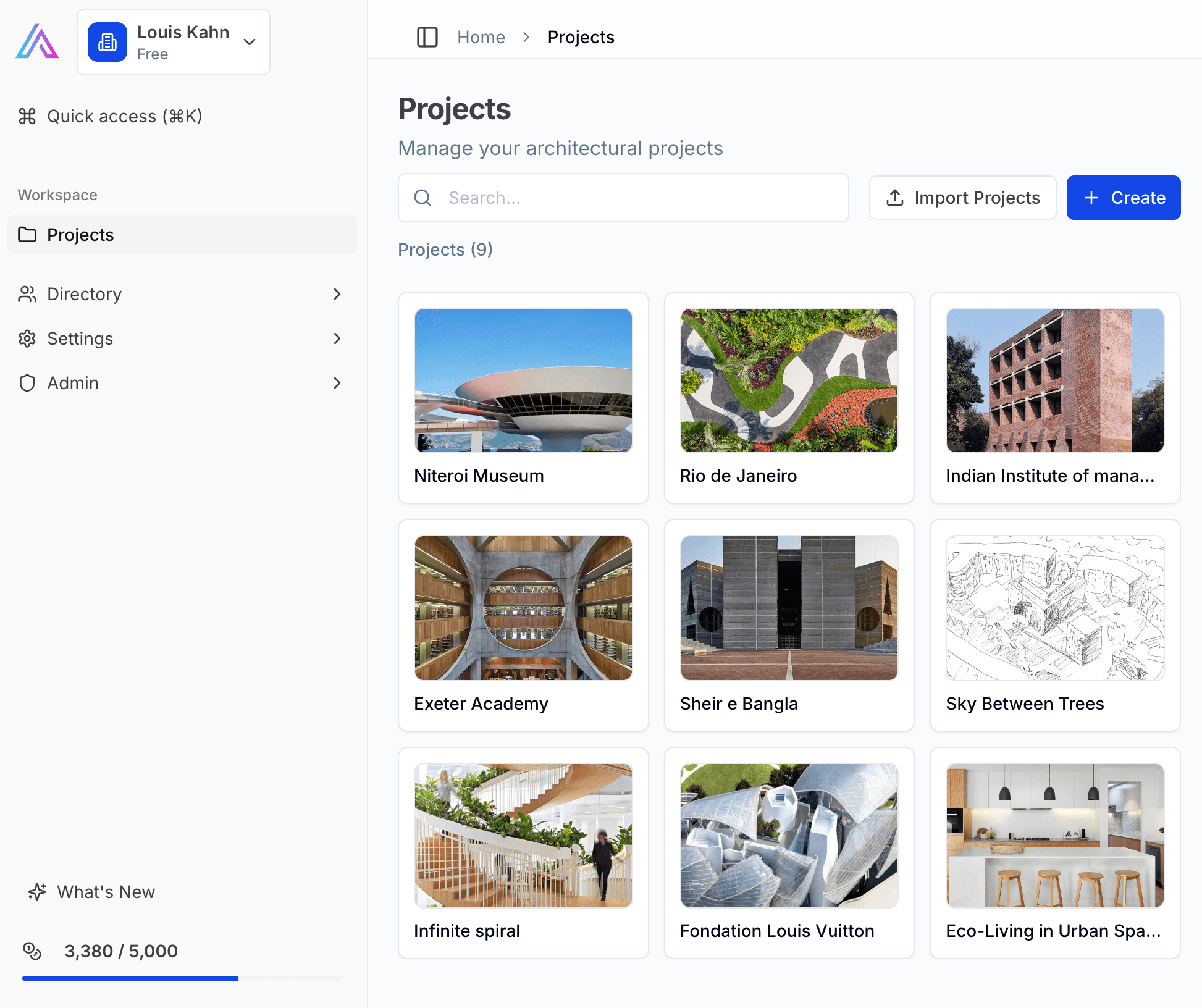
Upload and organize
Upload PDFs, briefs, specs, minutes. SuperArchi indexes them per project so nothing is scattered.
- Drag-and-drop upload for all common file formats
- Documents auto-indexed and linked to the project
- Per-project isolation — no cross-contamination between projects
- Supports PDFs, Word, images, and scanned documents
Ask questions in plain language
Query your documents like you would ask a colleague. No keywords, no boolean operators.
- Natural language search across all project documents
- Context-aware answers with source excerpts and page references
- Works across all documents in a project at once
- No keywords needed — just ask what you need to know
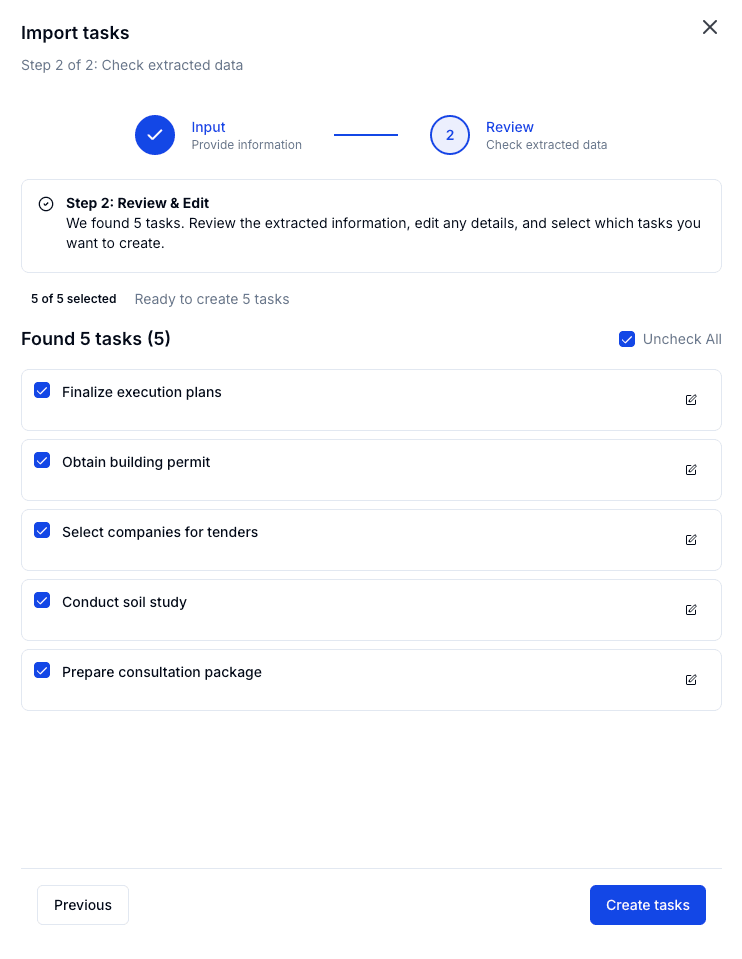
Get structured answers
Summaries, checklists, constraint lists — not just search results.
- Extract deliverables and deadlines from any document
- Summarize 50-page documents in seconds
- Compare clauses across multiple documents
- Export structured outputs for your team to act on
How it works
Three steps to a searchable project knowledge base
- 1
Create a project
Set up a project workspace in SuperArchi. One project, one source of truth.
- 2
Upload key documents
Add PDFs, notes, references — briefs, minutes, specifications, regulations.
- 3
Ask SuperArchi
Retrieve, summarize, and structure information using natural language questions.
What you can ask
Real examples from architecture projects
Facade constraints
"List the facade constraints mentioned by the client."
Planning note summary
"Summarize this planning note into design constraints."
Deliverables and deadlines
"Extract deliverables and deadlines from this brief."
Meeting decisions
"What was decided about materials in the last coordination?"
Why not just ChatGPT + folders?
Chat is useful. But on real projects, teams need more than a personal thread.
ChatGPT + folders
- No project boundariesContext from one project leaks into another
- Personal chat threadsOnly one person has the conversation history
- Inconsistent outputsDifferent structure every time you ask
SuperArchi Knowledge base
- Project boundariesEach project has its own isolated knowledge base
- Shared contextThe whole team accesses the same project memory
- Repeatable outputsSame structure, same quality, every time