Tasks
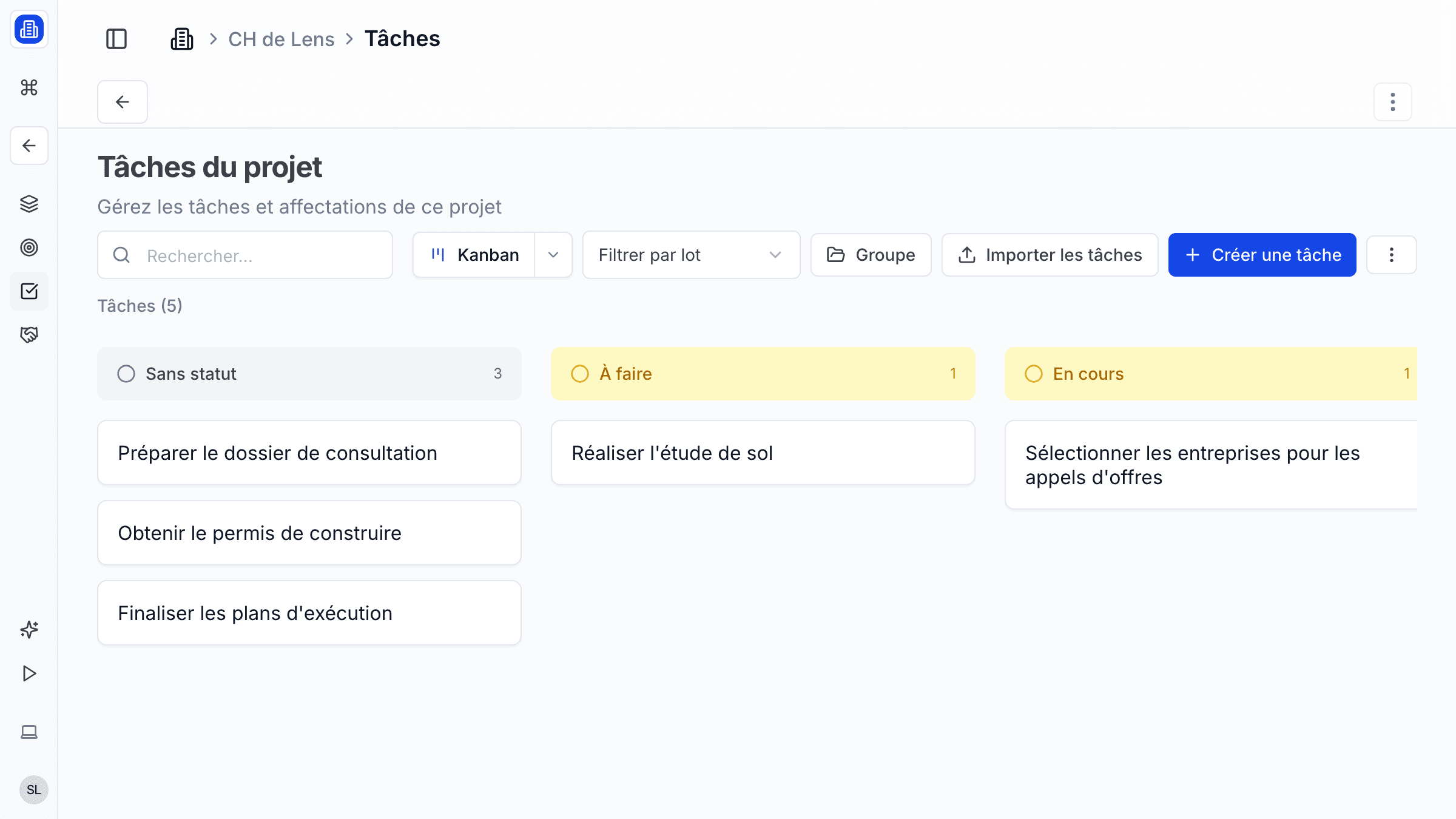
Stay on top of every action item with SuperArchi Tasks. Create, assign, and track tasks across your projects with flexible views, batch actions, and inline editing so your team always knows what needs to happen next.
Key Capabilities
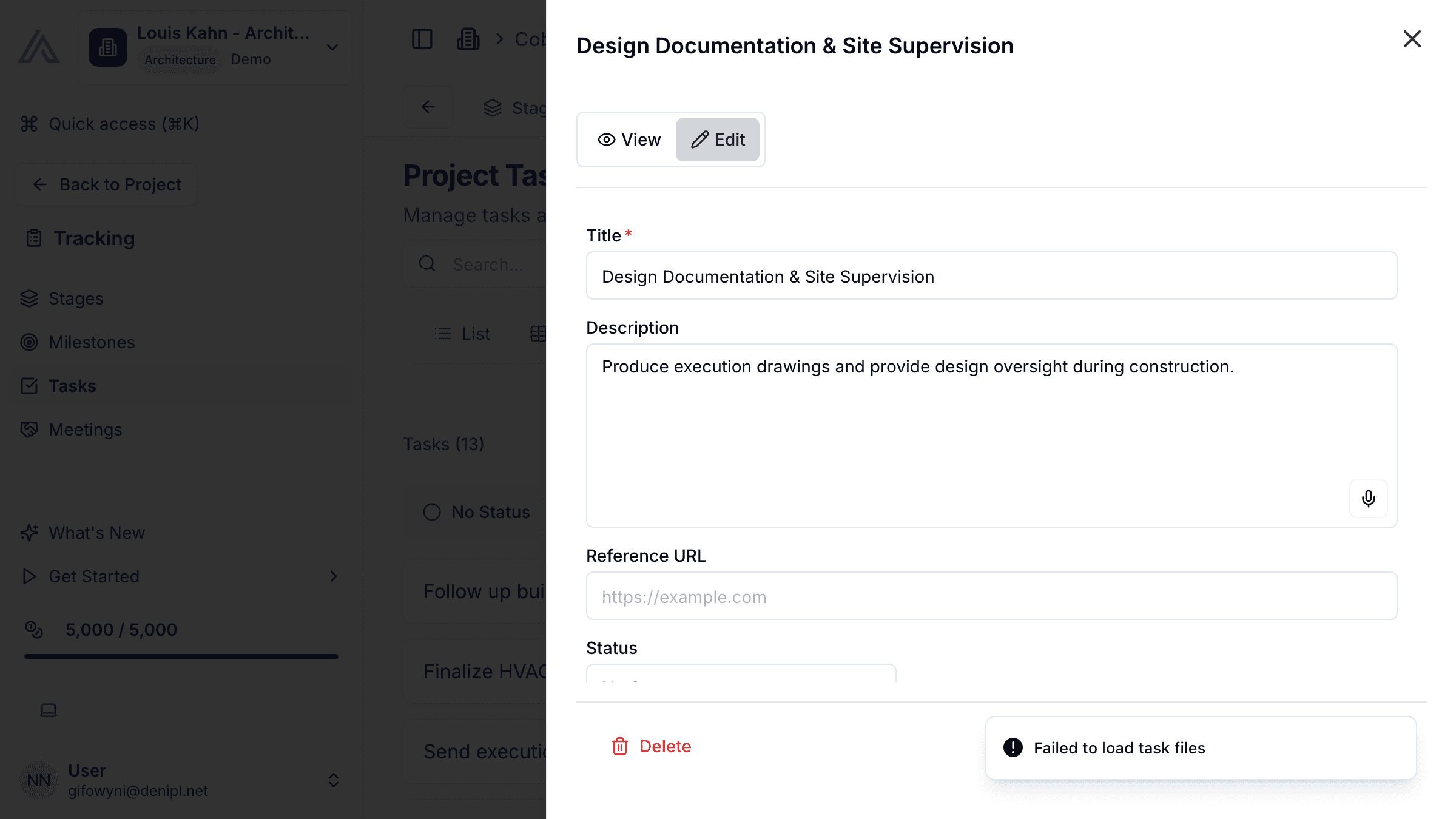
- Create tasks with assignee, due date, priority, and custom tags
- View tasks in list, board (Kanban), or calendar layout
- Batch actions: assign, re-prioritise, or move multiple tasks at once
- Inline editing — update a task title, status, or date without opening a modal
- Filter tasks by tag, assignee, status, or date range
- Convert meeting action items into tasks automatically
How It Works
- Open a project and go to the Tasks tab. Click Add Task and fill in the title, assignee, and due date.
- Drag tasks across columns in the Board view to update their status (To Do, In Progress, Review, Done).
- Use the Filter bar to narrow tasks by tag, assignee, or date range.
- Select multiple tasks and use Batch Actions to reassign, change priority, or move them to a different status in one step.
Tips & Best Practices
- Use tags consistently across the team (e.g., "Site visit", "Client feedback", "Permit") to make filtering reliable.
- Enable email notifications for tasks assigned to you so deadlines are never missed.
- Review the task board in your weekly team meeting to keep everyone aligned.
- Break large deliverables into smaller tasks with clear owners and due dates.
Related Features
- Projects — Tasks live inside projects for full context
- Planning — Track milestones alongside your tasks
- Meetings — Convert meeting action items into tasks automatically
FAQ
Can I create tasks that are not linked to a project? Yes. You can create standalone tasks from the global Tasks view. They will appear in your personal task list and can be linked to a project later.
Is there a way to set recurring tasks? Currently, recurring tasks are not supported natively. A common workaround is to duplicate a task template at the start of each sprint or phase.
Can I see all my tasks across projects in one place? Yes. The global Tasks view aggregates every task assigned to you across all projects, so you have a single personal to-do list.
Last updated: 10 April 2026