Image Generation
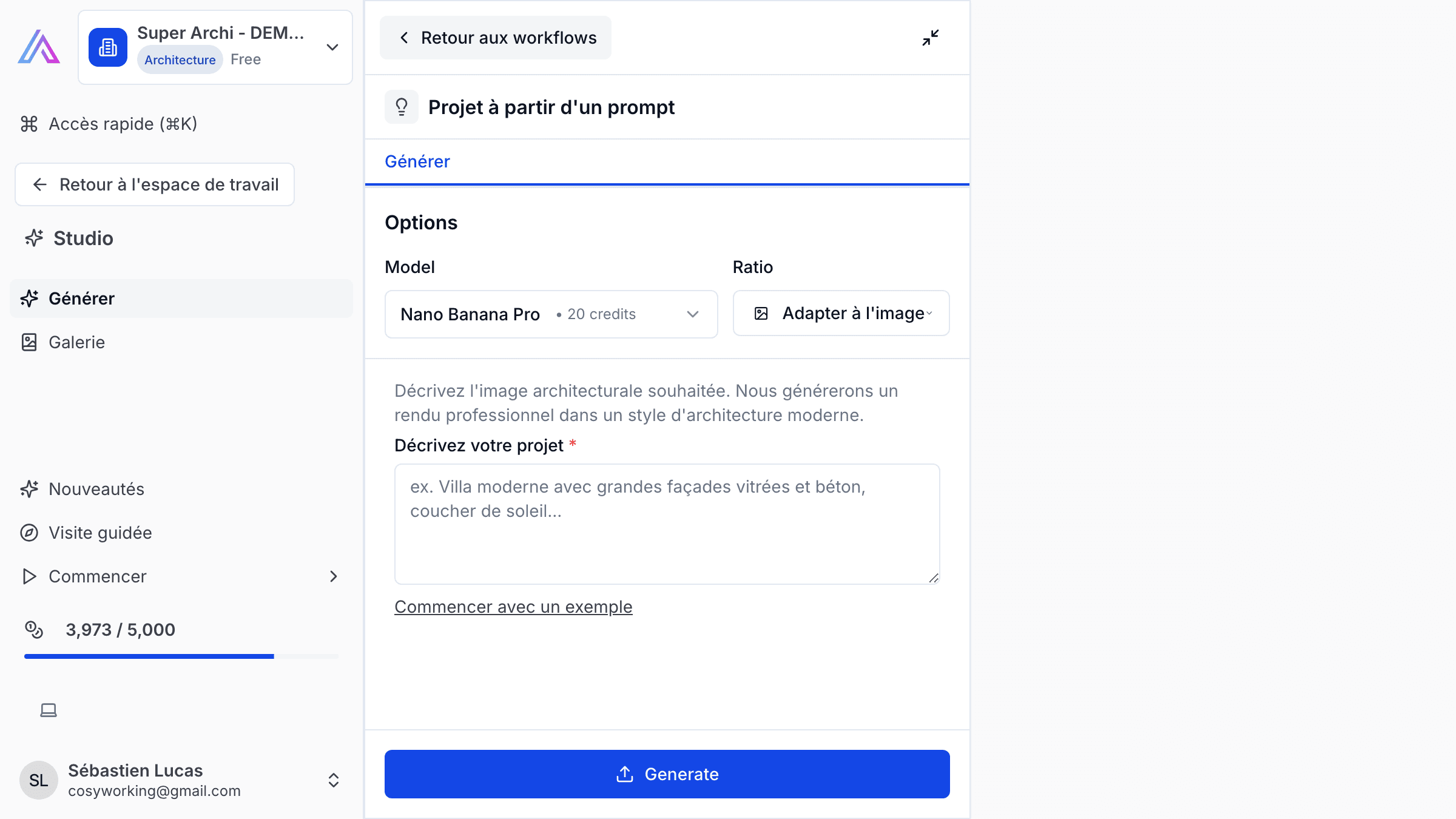
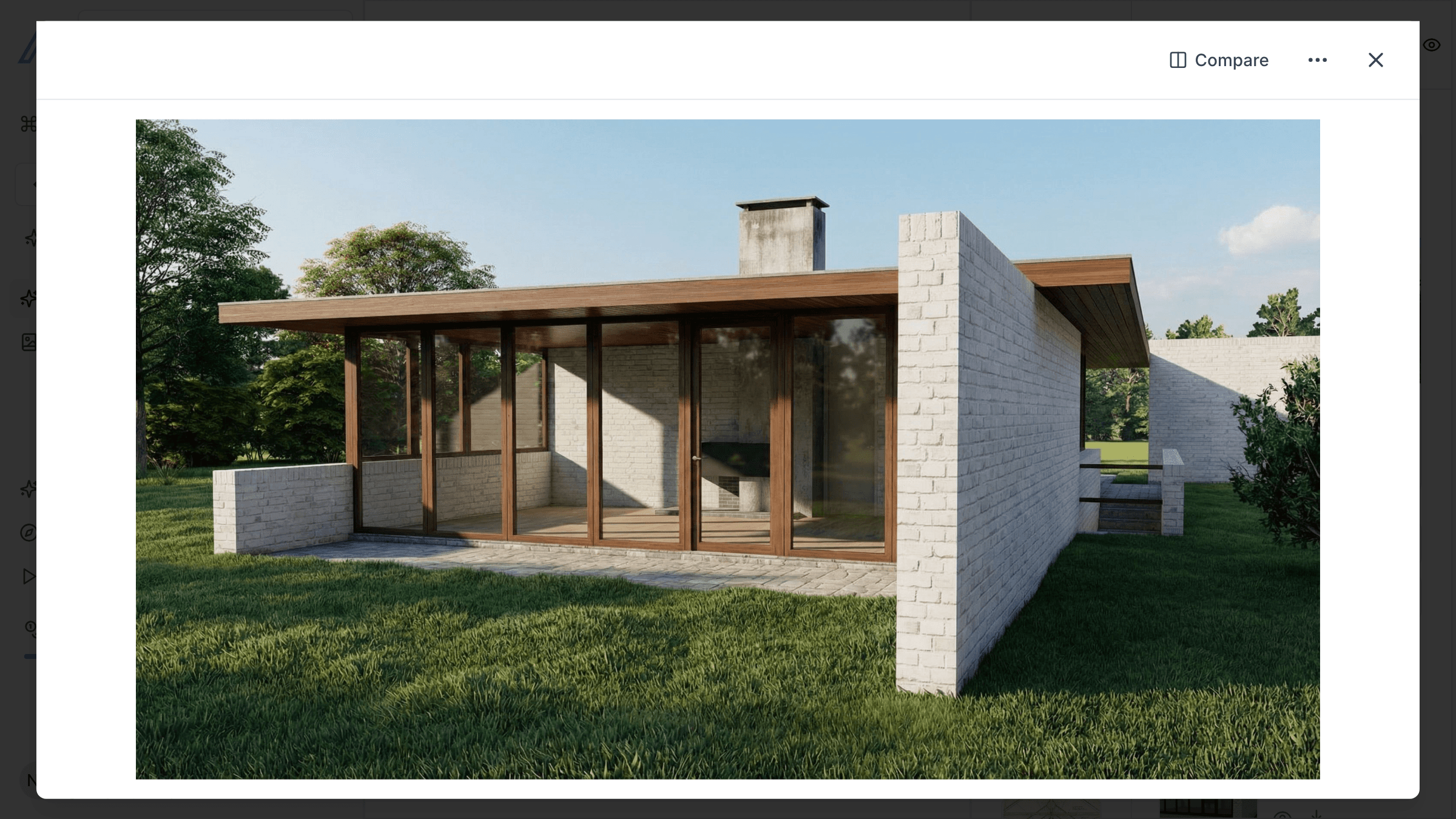
Transform your architecture sketches and ideas into photorealistic renders using AI-powered image generation. Create stunning visuals for client presentations, competitions, and marketing — describe what you want, optionally provide a reference image, and let SuperArchi generate the result.
Key Capabilities
- Generate photorealistic architectural renders from text descriptions
- Use reference images (sketches, photos, mood boards) to guide style and atmosphere
- Control architectural style, materials, lighting, and environment in your prompt
- Generate multiple variations of the same concept for exploration
- Save generated images directly to your project's Inspirations & Renders gallery
- High-resolution output suitable for presentations and print
How It Works
- Open Image Generation from your workspace or from within a project.
- Describe the scene you want — include details about the building, materials, lighting, and environment.
- Optionally upload a reference image (sketch, photo, or mood board) to guide the style.
- Click Generate and review the results. Generate additional variations if needed.
- Save your favourite renders to the project Inspirations & Renders gallery for future use.
Tips & Best Practices
- Be specific in your descriptions — mention materials (e.g., "exposed concrete", "timber cladding"), time of day, and weather for better results.
- Use reference images from your inspirations library to maintain a consistent visual style across renders.
- Generate 3-4 variations of the same concept and compare them before selecting the best one.
- Combine AI-generated images with your photo gallery to build a complete visual narrative for client presentations.
Related Features
- Inspirations & Renders — Store and organise your generated images alongside design references
- Photos — Complement renders with real site photos
- Projects — Generate images in the context of a specific project
FAQ
What quality are the generated images? Images are generated at high resolution, suitable for digital presentations and print. You can choose the output resolution when generating.
Can I use a sketch as input? Yes. Upload a hand-drawn sketch or a simple 3D model screenshot as a reference image, and the AI will use it as a basis for the photorealistic render.
How many images can I generate? The number of generations depends on your subscription plan. Each generation produces one or more variations that you can review and save.
Last updated: 10 April 2026