SuperArchi Studio — turn your ideas into images, built for architects.
SuperArchi Studio is our AI image product for architects: generate project renderings, build moodboards, and edit images — all connected to your project data, with the vocabulary and workflow architects actually use.
✓Free 15-day trial · No credit card required
Workflows
See what Studio can do.
Six workflows architects use every day — sketch to render, plan to perspective, and more.
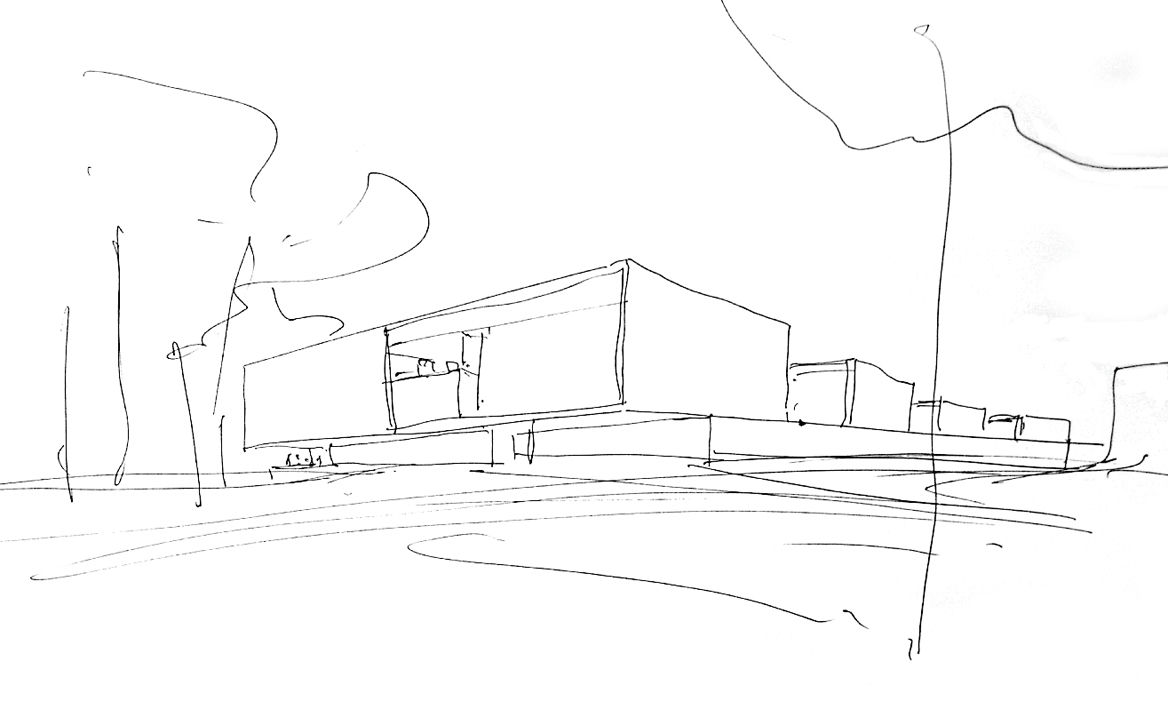
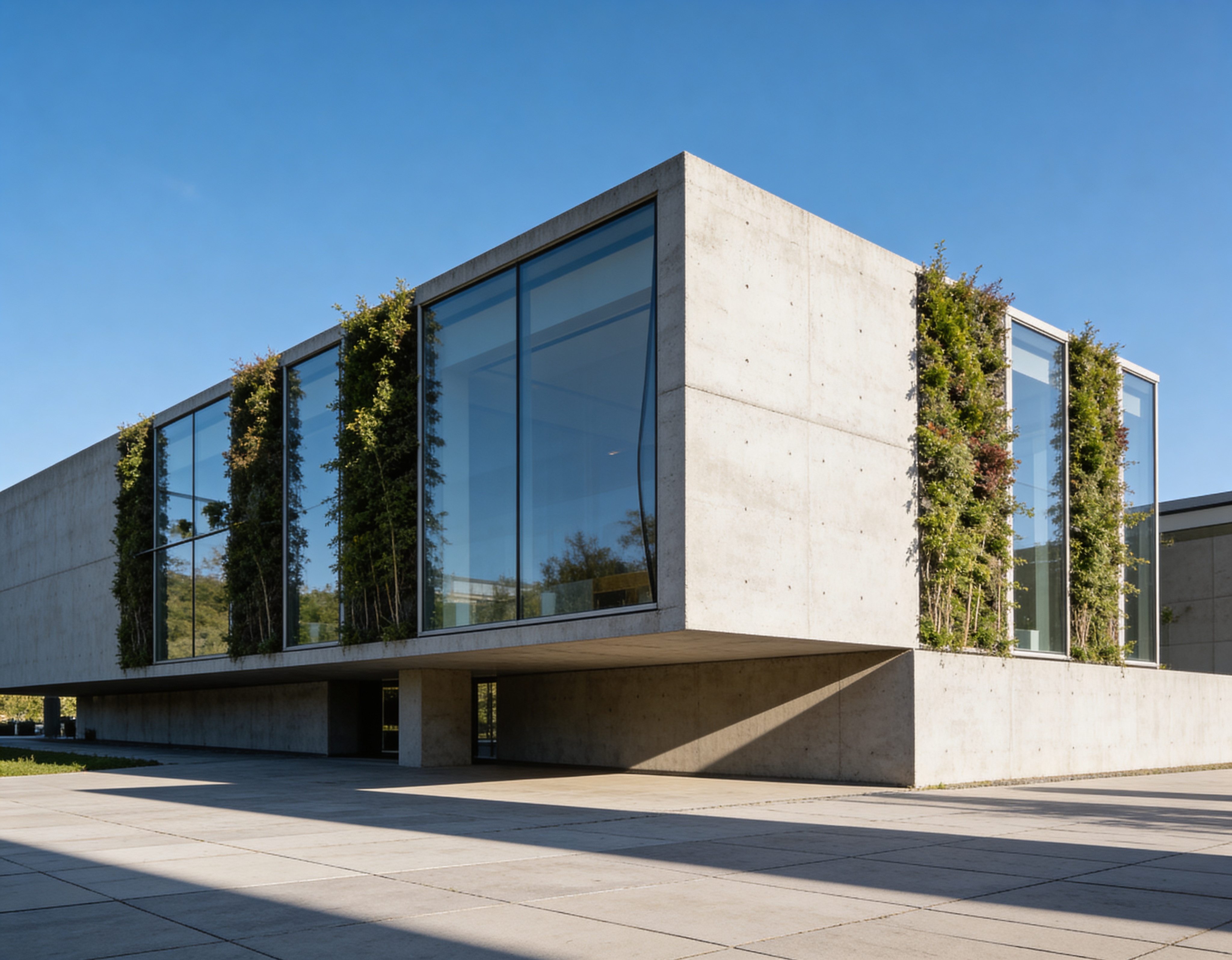
Sketch to Render
Turn hand sketches into photoreal architectural renders.
Try it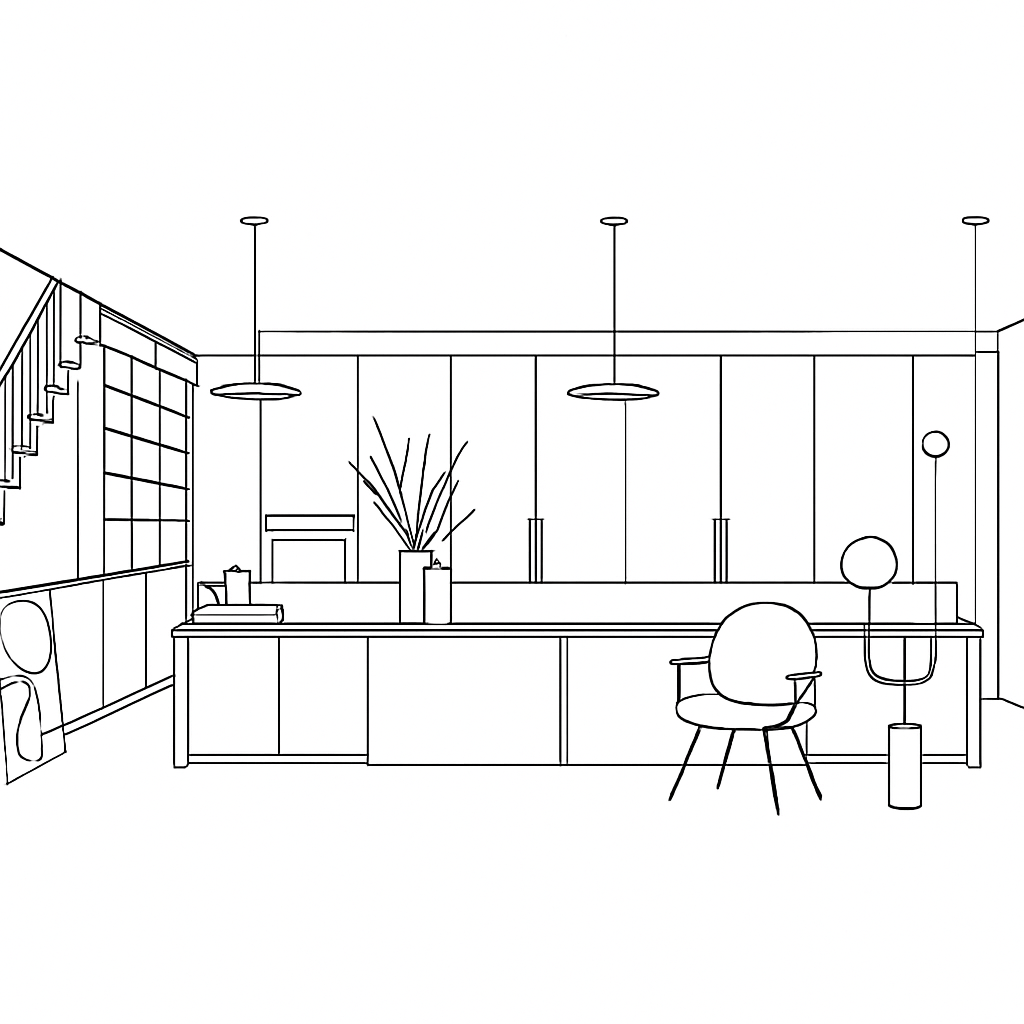
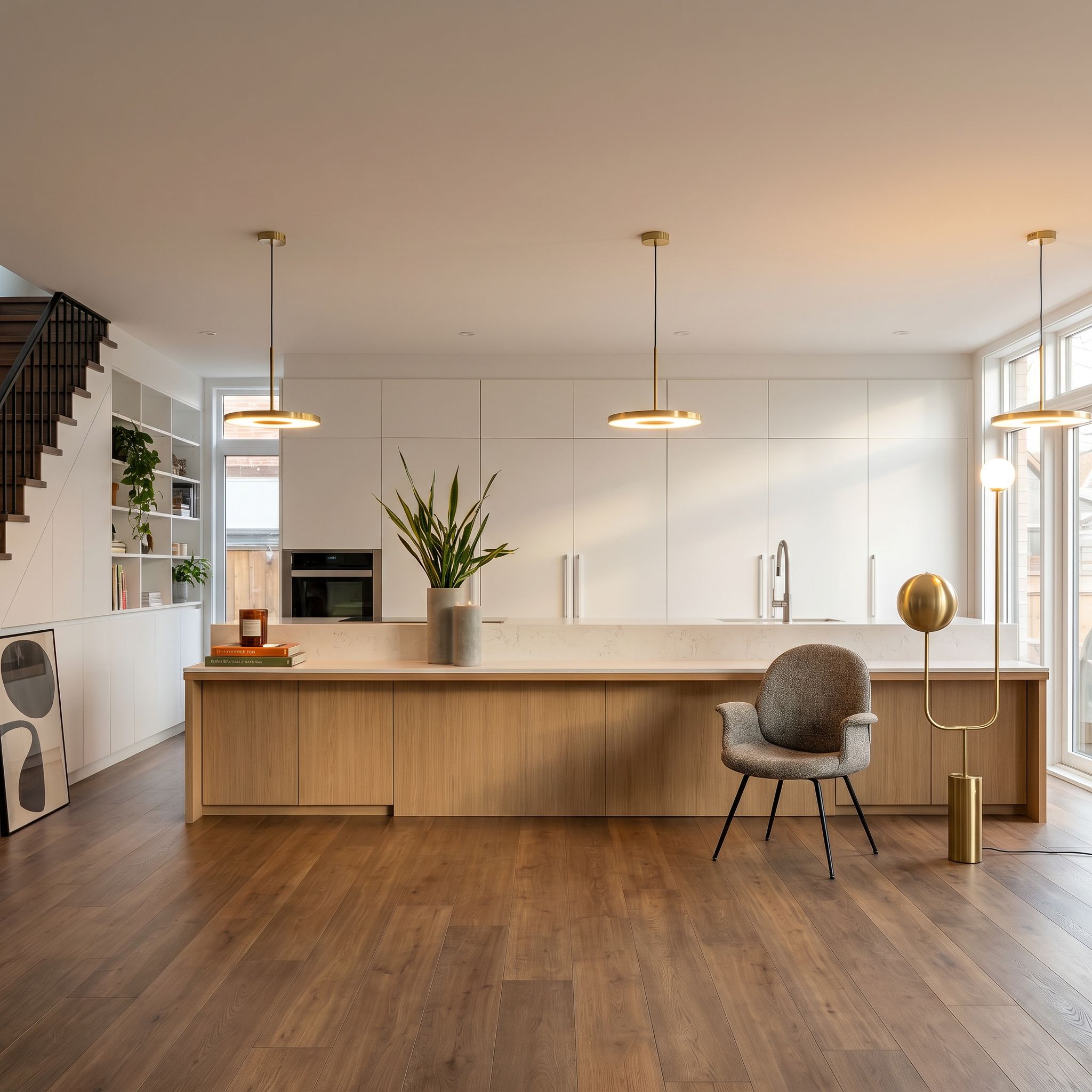
3D to Render
Bring SketchUp and 3D screenshots to life.
Try it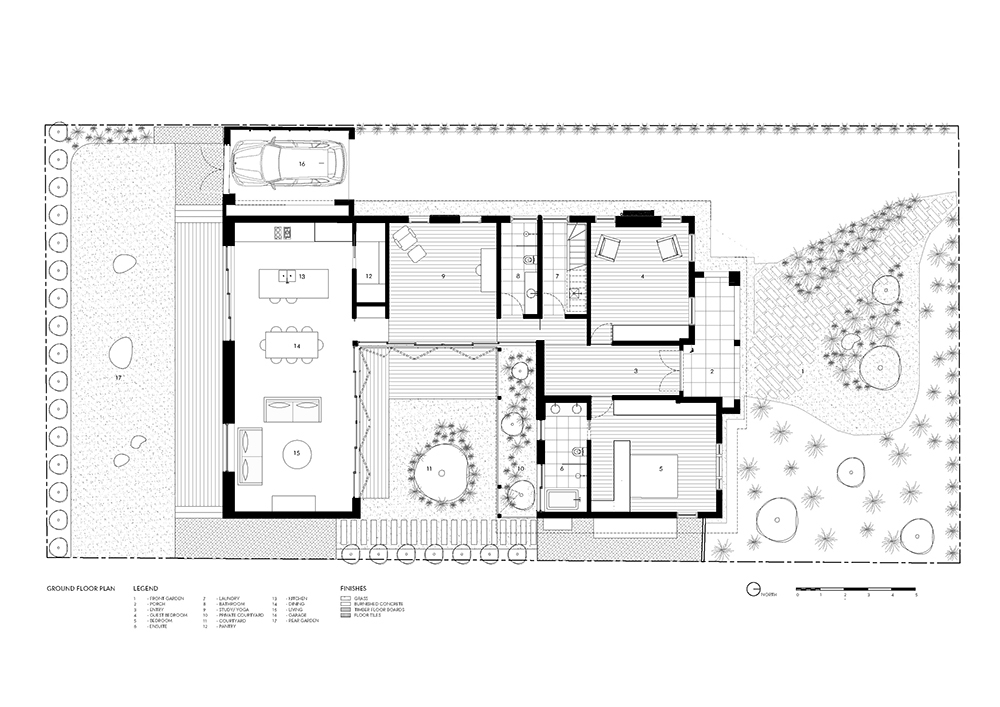
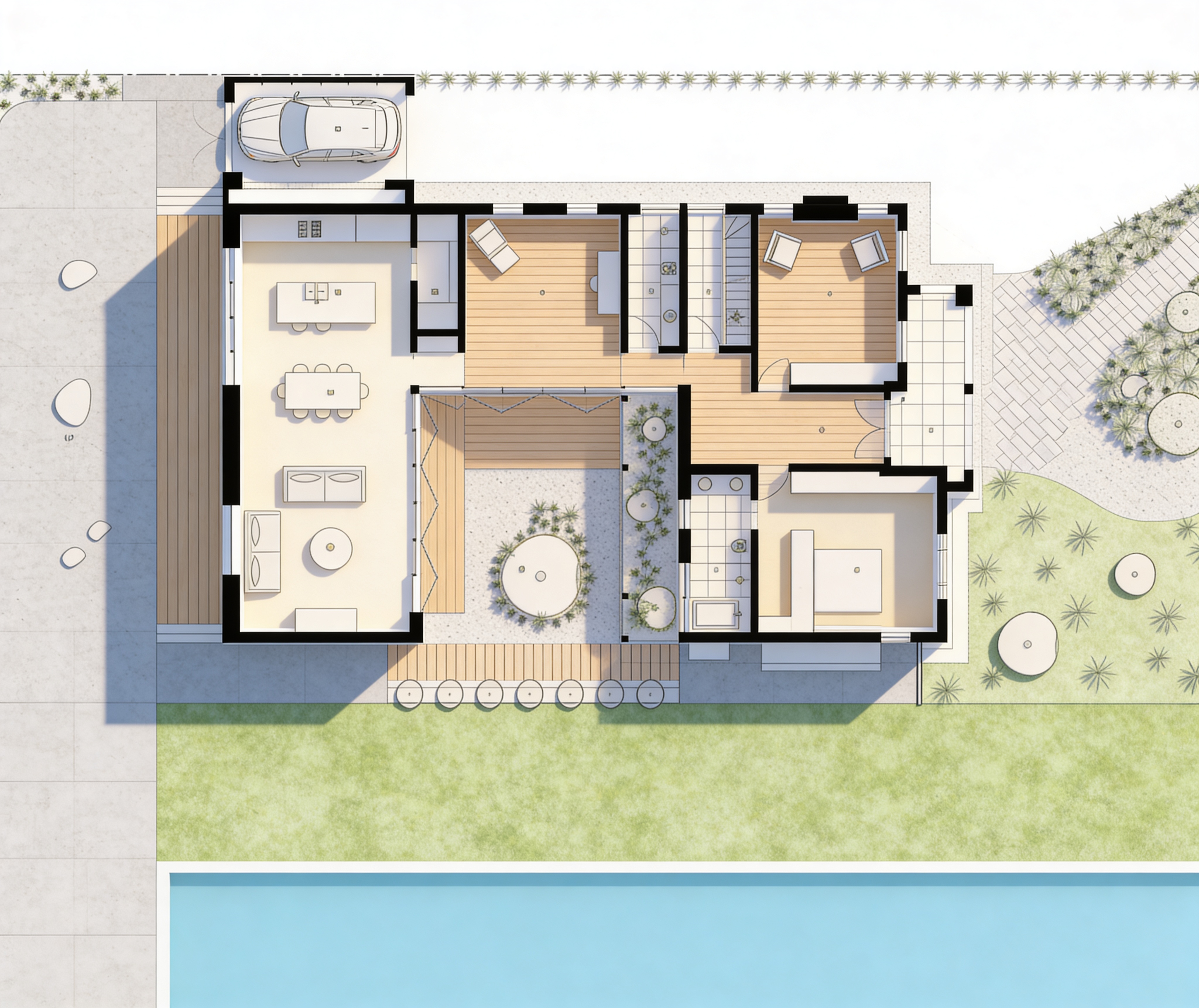
Plan to Render
Render 2D plans into vivid project views.
Try it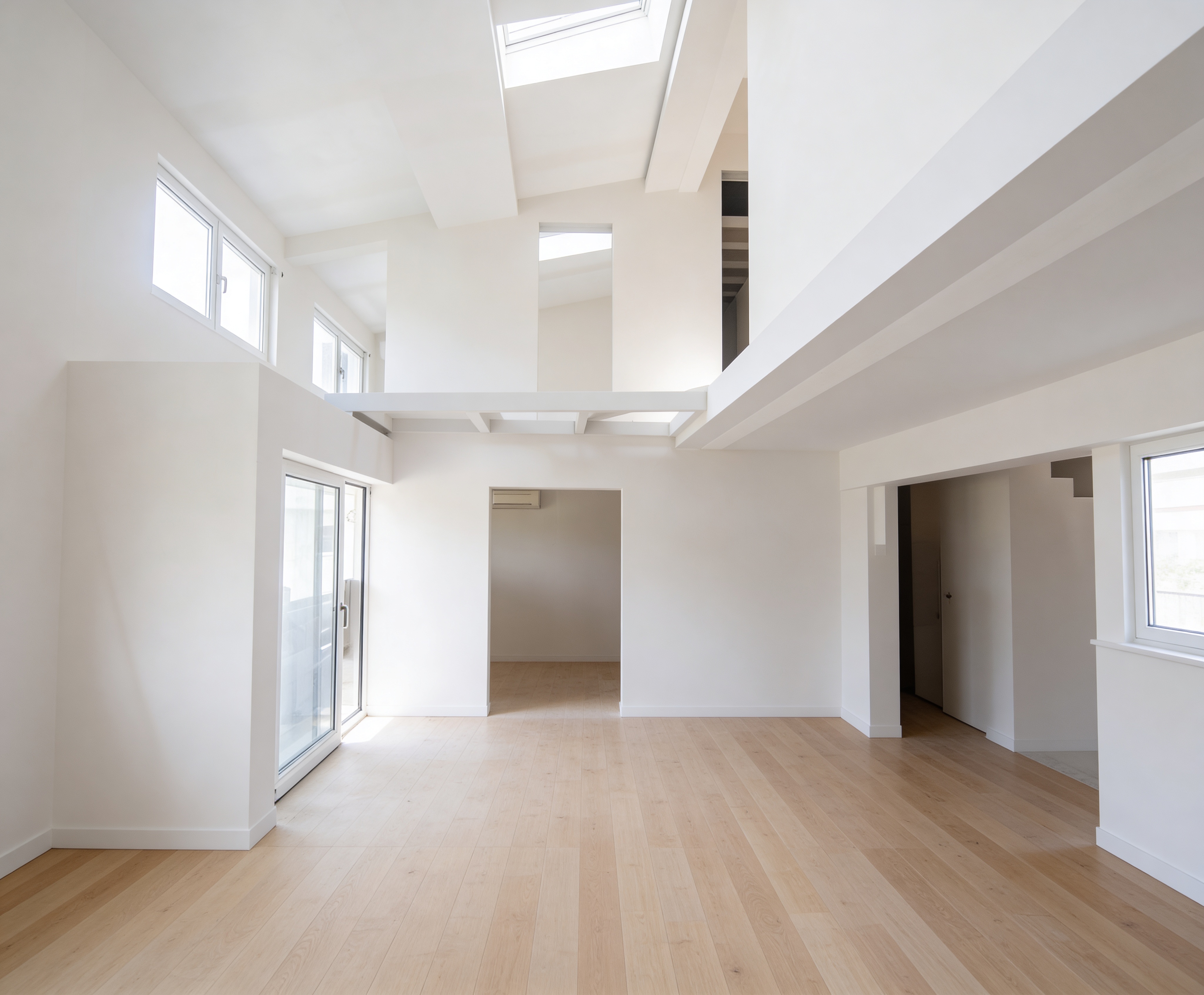
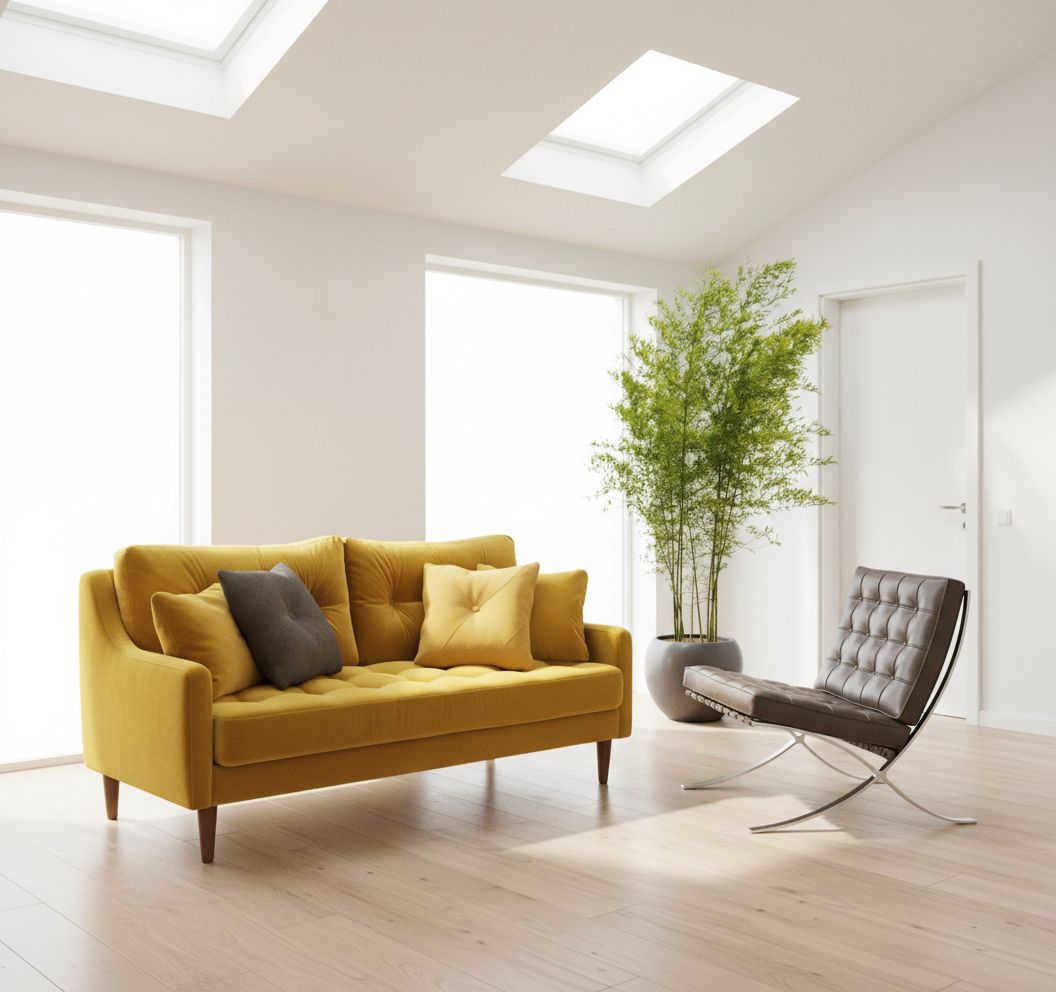
Moodboard to Render
Compose moodboards and turn them into renders.
Try it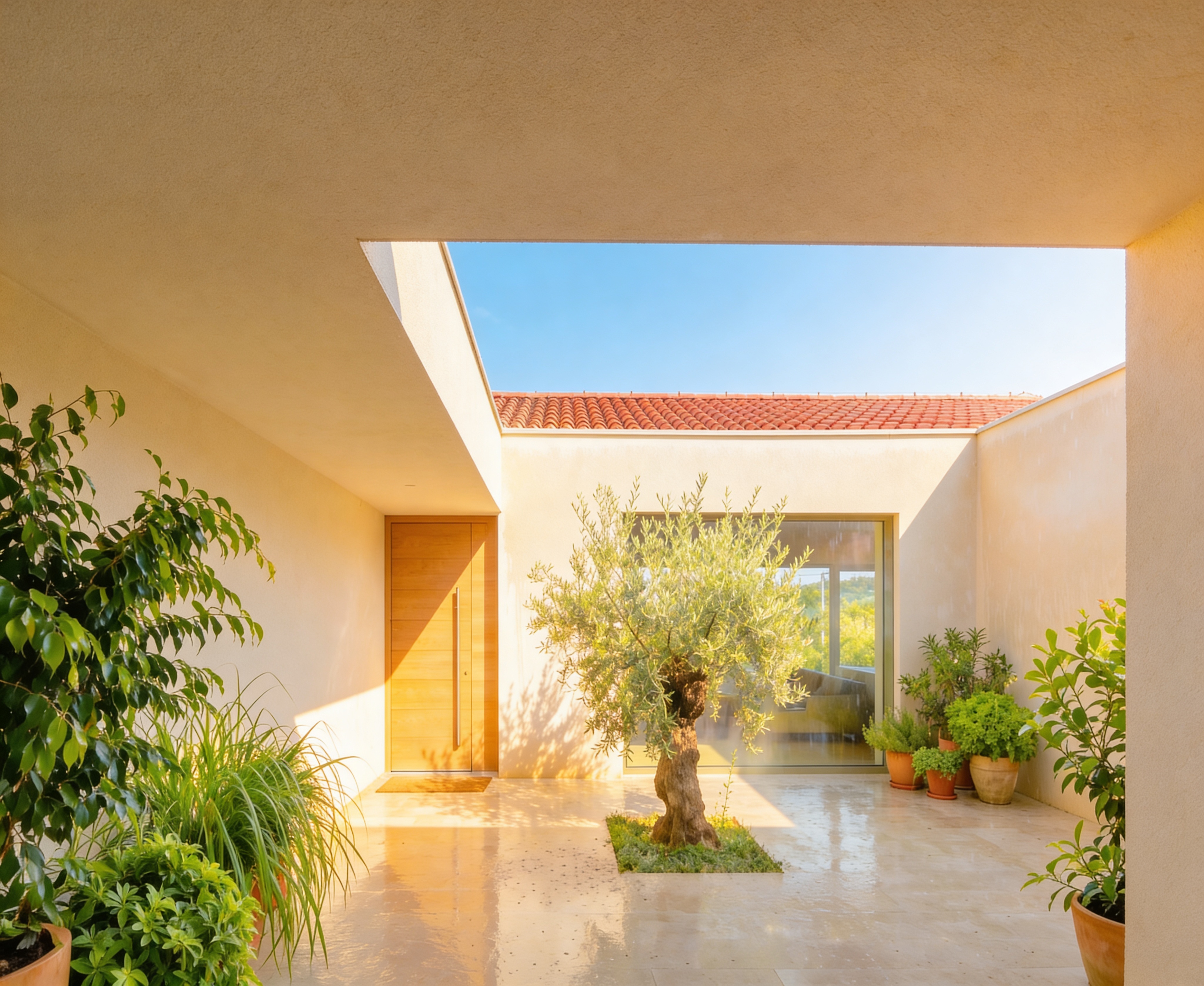
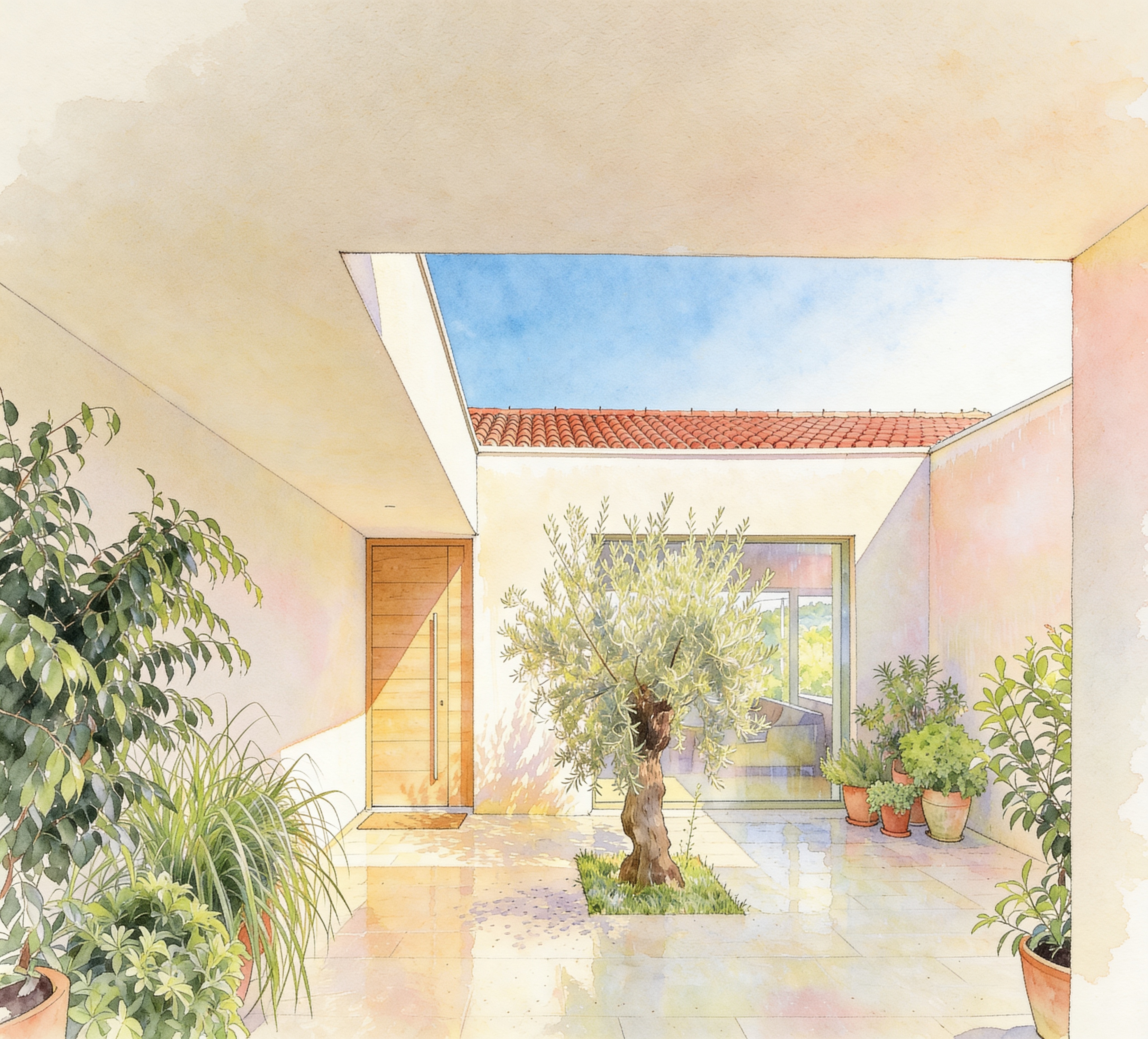
Style Variations
Restyle any image into the architectural language you want.
Try it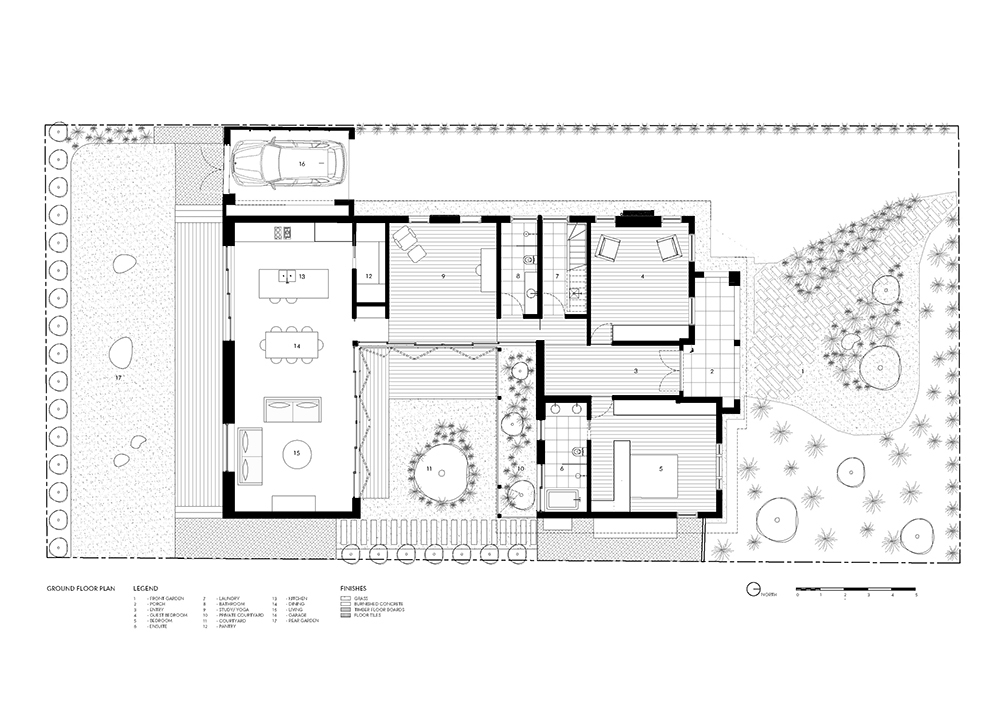
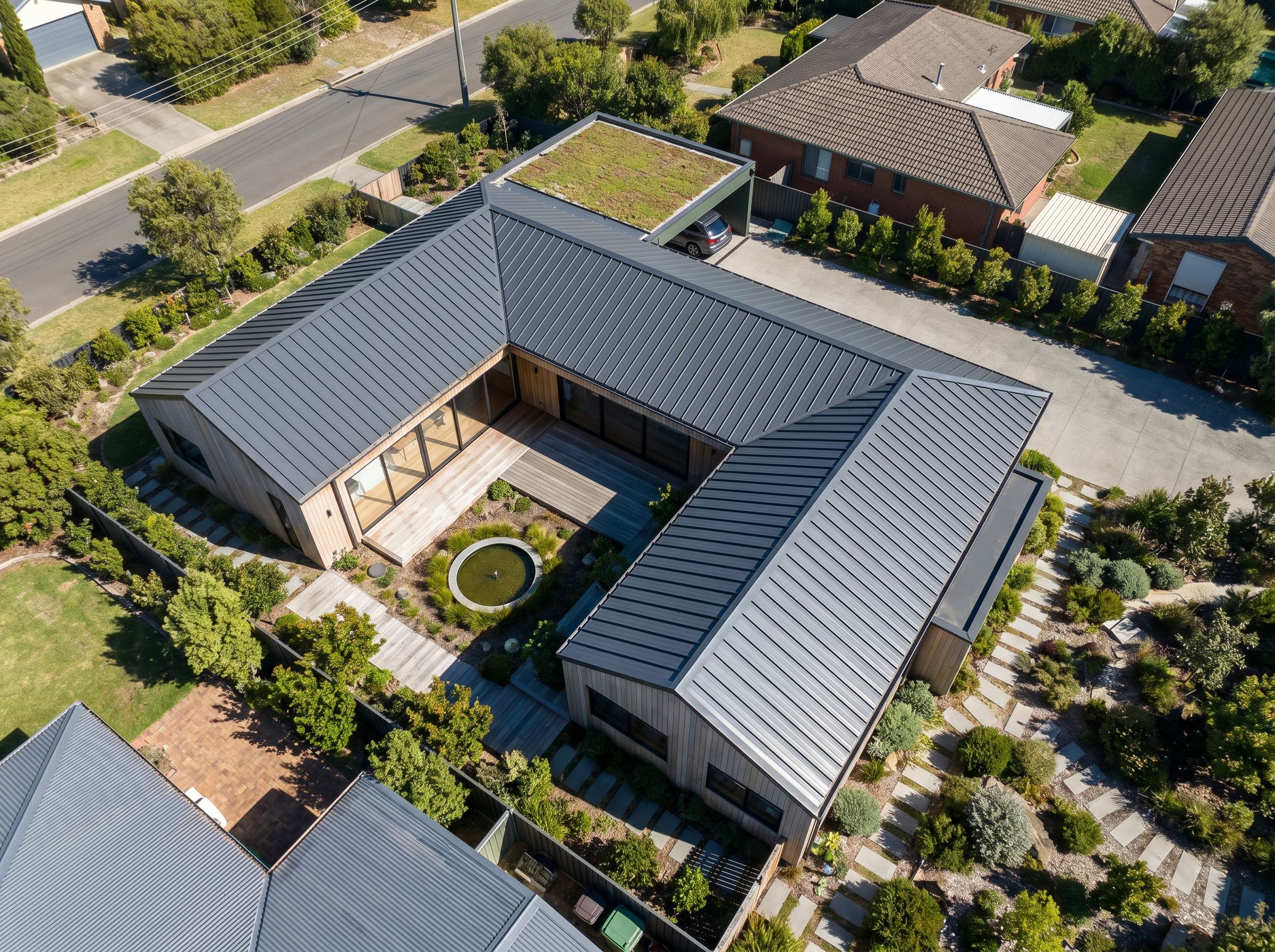
Plan to Perspective
Turn 2D plans into 3D perspective views.
Try itHow it works
From prompt to polished image, in three steps.
- 1
Pick a use case
Render, moodboard, or edit — the interface adapts to the task, with the right controls ready to go.
- 2
Describe or upload
Write in plain French or English, or drag in a sketch, a site photo, or an existing render as your starting point.
- 3
Refine & save
Iterate until it's right, then save directly into your project — ready to share, export, or drop into a panel.
Built for architects
Why architects pick SuperArchi Studio over generic AI image tools.
Midjourney and ChatGPT make pretty pictures. SuperArchi Studio makes images that fit your project and your workflow.
Architect vocabulary
Prompt templates and shortcuts tuned for plans, sections, perspectives, axonometrics, and architectural styles.
Tied to your projects
Every generation is saved in the project it belongs to. No more folders of random downloads on your desktop.
Latest models, one subscription
Access the best image models through SuperArchi — we handle the model updates so you don't have to.
Your data stays yours
Your prompts and generations are private to your account. We don't train on your project data.
Works in French & English
Prompt in the language you think in. Native support for French architectural terminology.
Share with your team
Collaborate on moodboards and renderings with teammates inside the same project workspace.
What architects are saying
“It used to take me a full afternoon to put together a decent moodboard. Now I do it between two meetings, and it's actually aligned with the project.”