Inspirations & Renders
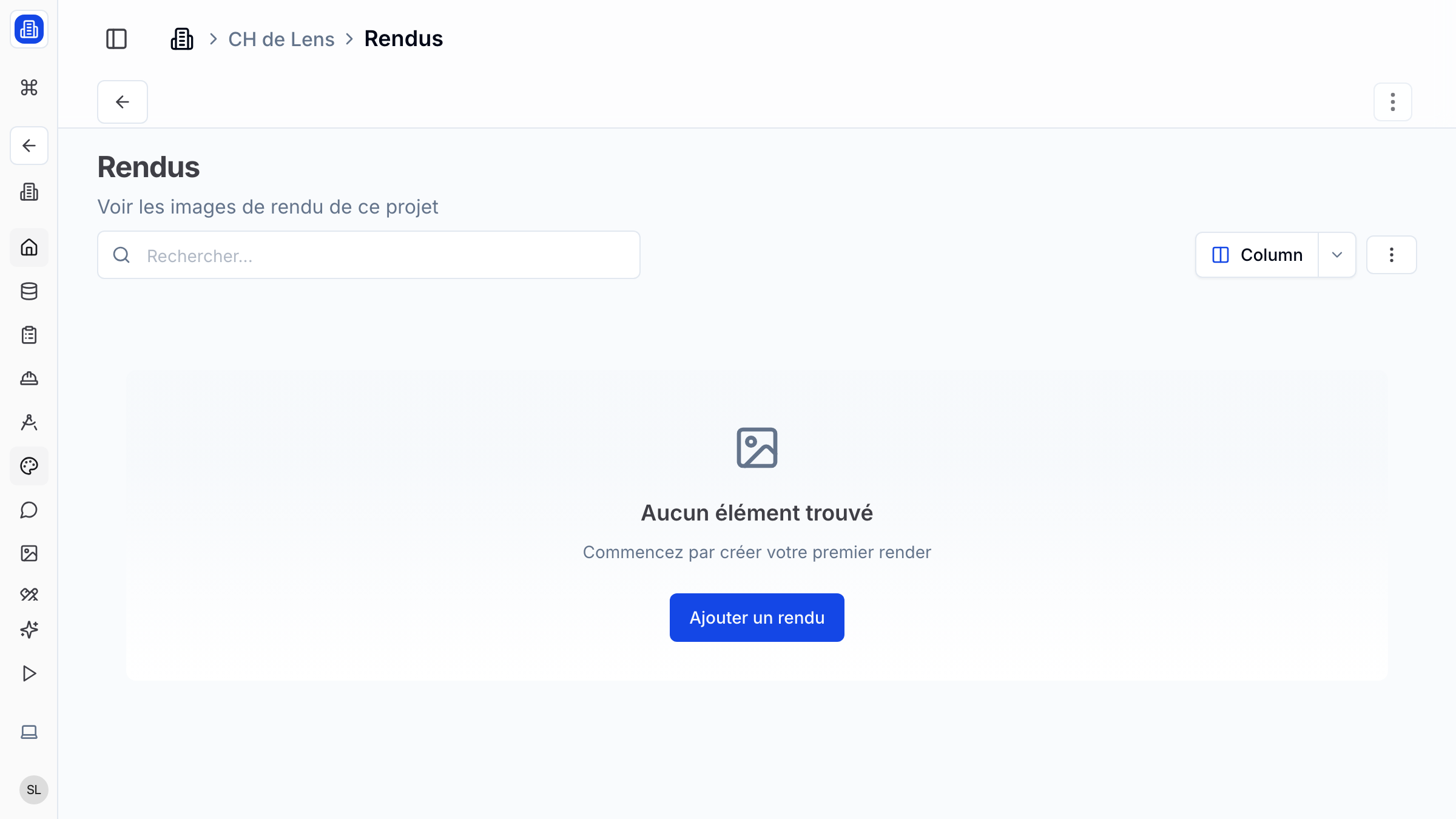
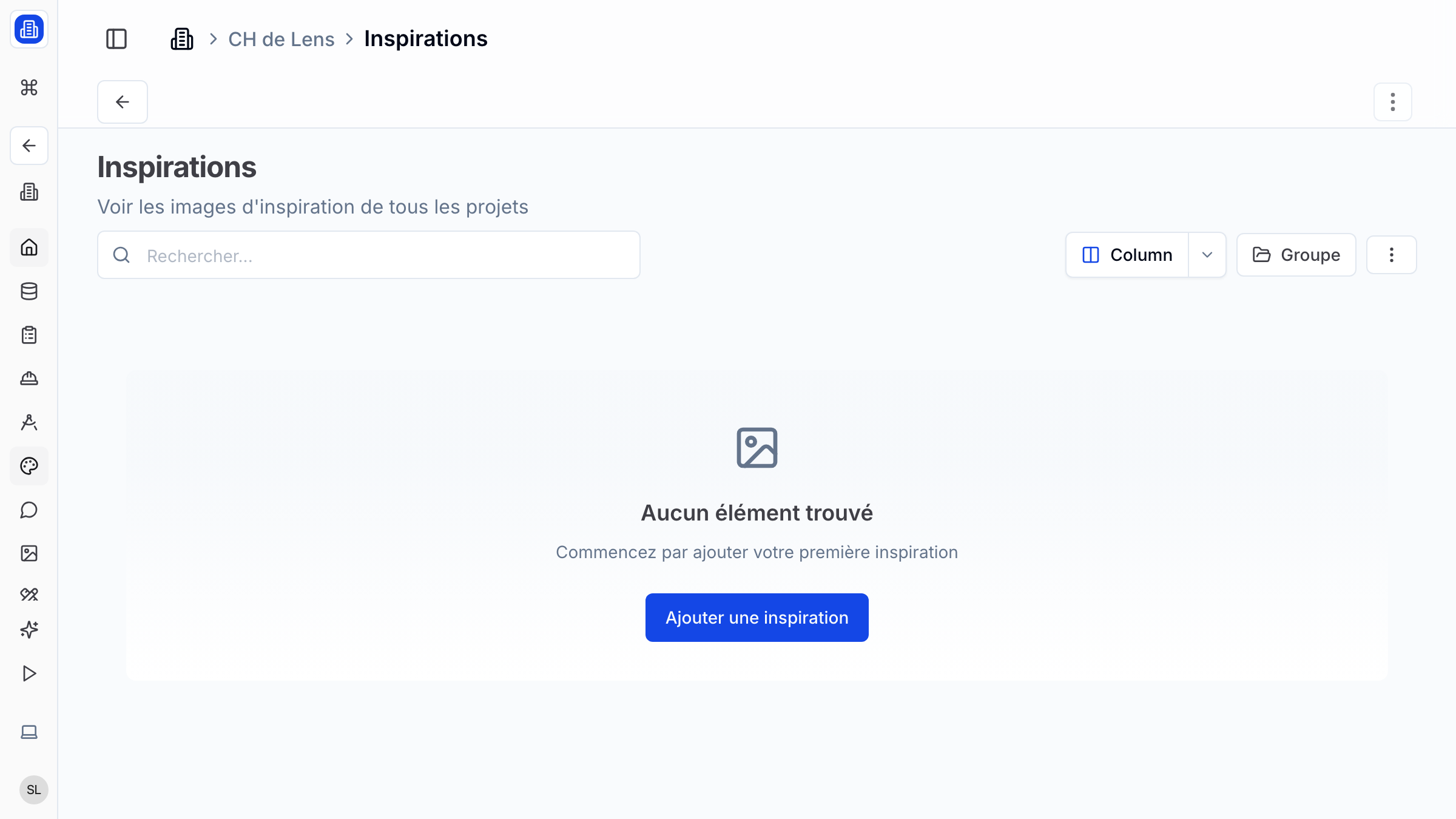
Collect design references and store project renders in a dedicated gallery within SuperArchi. Build mood boards from inspiration images, organise renders by project phase, and share visual narratives with your clients and team.
Key Capabilities
- Upload and organise inspiration images, mood boards, and reference photos
- Store project renders with tags for phase, style, and viewpoint
- Create curated collections to group images by theme or design direction
- Organise content by project phase (concept, schematic, detailed design)
- Share collections with clients for visual feedback and approval
How It Works
- Open a project and navigate to the Inspirations & Renders tab.
- Click Add Images to upload reference photos, mood board elements, or completed renders.
- Tag each image with a phase, style keyword, or custom label to keep the gallery organised.
- Create a Collection to group related images — for example, "Facade references" or "Interior mood board".
- Share a collection with your client via a gallery link to gather feedback on design direction.
Tips & Best Practices
- Collect inspiration images early in the project and share them with the client to align on aesthetic direction.
- Separate inspiration references from final renders using distinct categories so neither gets lost.
- Tag renders with the viewpoint (e.g., "street view", "aerial", "interior") for easy retrieval during presentations.
- Archive older render sets when a new design iteration is produced to keep the gallery current.
Related Features
- Image Generation — Generate new renders with AI and save them here
- Photos — Site photos and progress images complement your render gallery
- Projects — Inspirations and renders are organised within their parent project
FAQ
Can I organise inspirations into mood boards? Yes. Use the Collections feature to group images into themed boards. You can rearrange images within a collection and add captions or notes.
What file formats are supported? JPEG, PNG, and WEBP are supported for upload. For best quality, upload high-resolution images.
Can clients add their own inspiration images? If you share a collection with edit permissions, clients can upload their own reference images directly into the shared collection.
Last updated: 10 April 2026