Photos
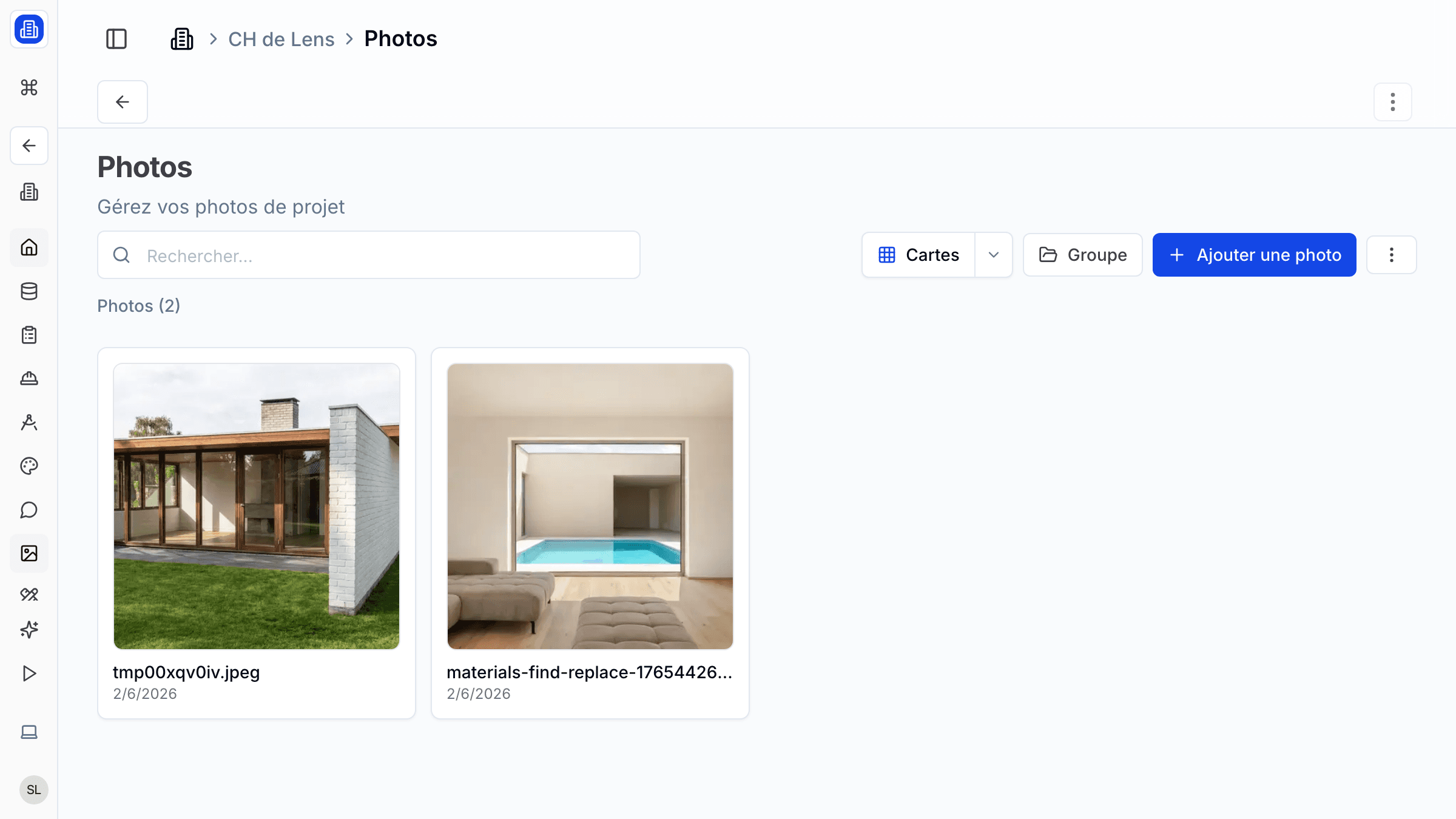
Organise your project photography with SuperArchi Photos. Upload site photos, progress shots, and completion images, then categorise and tag them so your team can track the visual story of each project over time.
Key Capabilities
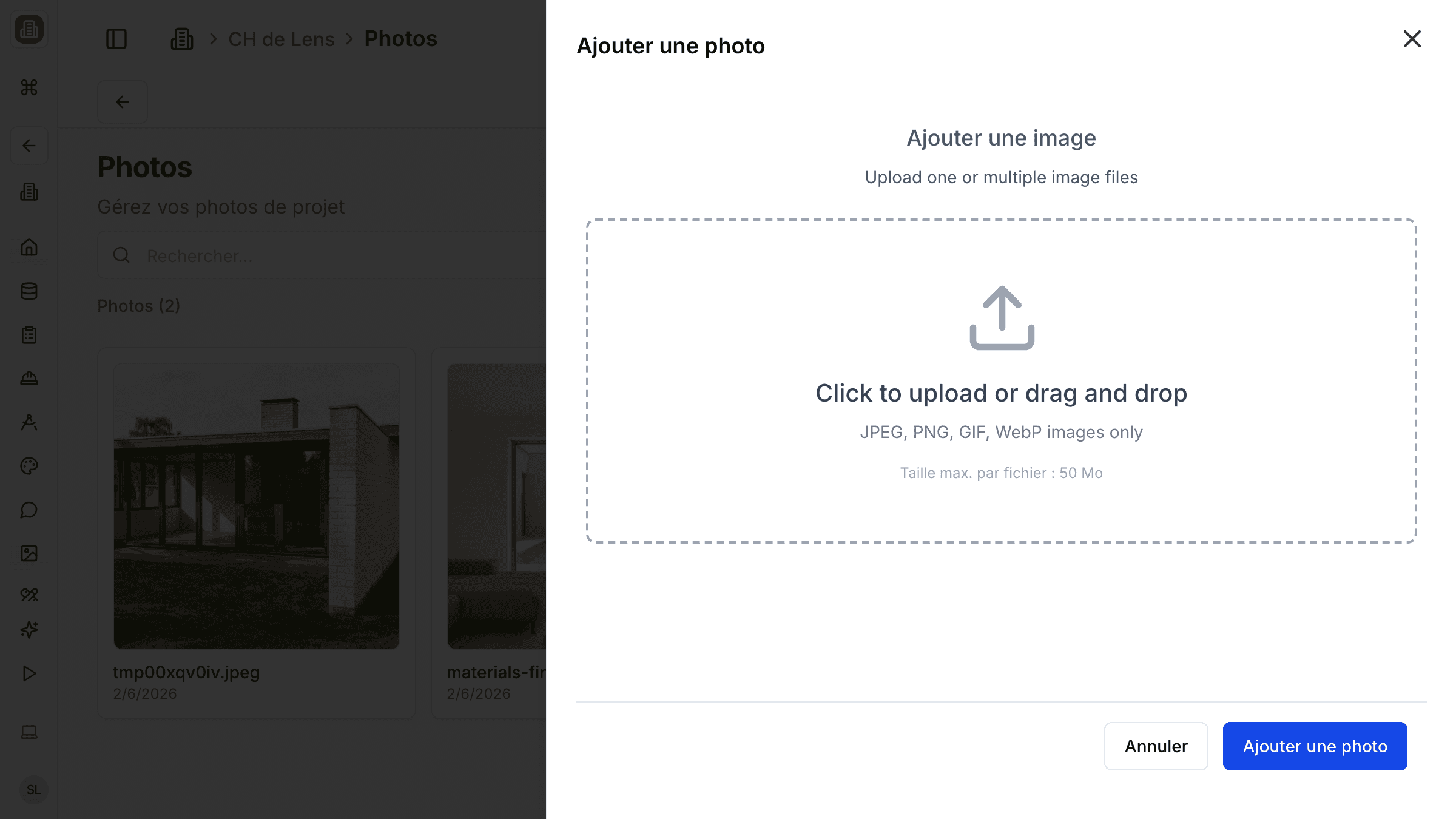
- Upload photos in bulk via drag-and-drop (JPEG, PNG, WEBP supported)
- Categorise photos by type: progress, completion, context, site visit, or custom category
- Tag images with project phase, date, and keywords for quick retrieval
- Lightbox viewer with zoom, pan, and slideshow mode
- Share a curated selection with clients via a password-protected gallery link
How It Works
- Open a project and navigate to the Photos tab.
- Click Upload or drag files into the upload zone. SuperArchi processes thumbnails automatically.
- Select one or more images and assign a category (e.g., "Progress — Week 12" or "Completion").
- Use the Filter sidebar to browse by category, date, or tag.
- To share with a client, select images and click Create Shared Gallery. A unique link is generated.
Tips & Best Practices
- Name your files descriptively before uploading — file names are used as default captions.
- Keep site photos dated so you can track construction progress visually over time.
- Use the "Context" category for neighbourhood and environment shots that help frame the project.
- Archive superseded photos when a new design iteration replaces them to avoid confusion.
Related Features
- Inspirations & Renders — Collect design references and store project renders
- Image Generation — Generate photorealistic renders from descriptions
- Projects — Each photo gallery belongs to a project
FAQ
What is the maximum file size for uploads? Each image can be up to 50 MB. For best performance, we recommend keeping photos under 20 MB.
Can clients comment on individual photos? Yes. When you share a gallery link with comment permissions enabled, clients can leave feedback on specific images.
Are RAW files supported? RAW files (e.g., .CR2, .ARW) are not supported at this time. Please convert to JPEG or PNG before uploading.
Last updated: 10 April 2026