Directory
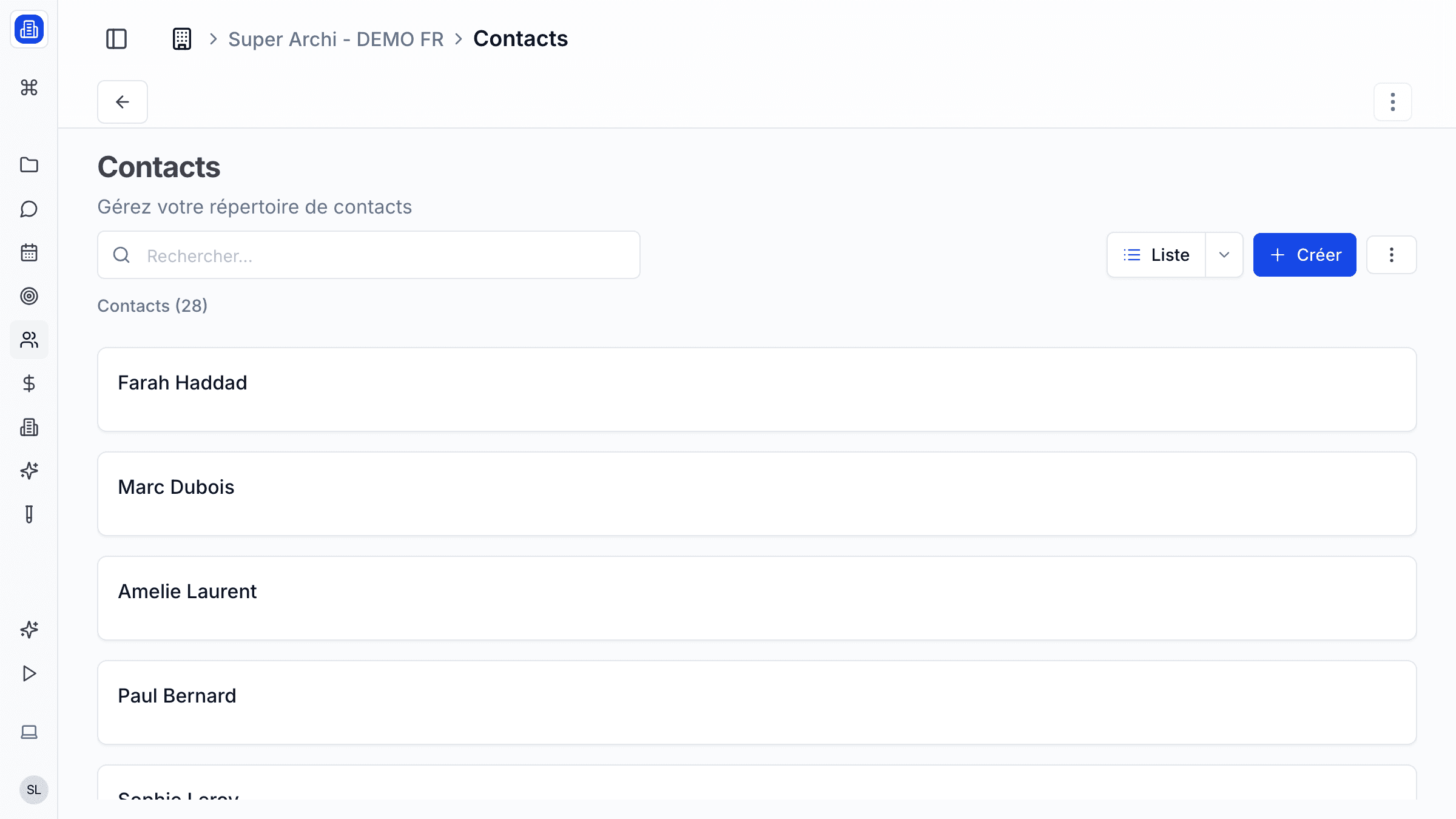
SuperArchi Directory is your firm's shared address book for people and companies. Manage the architects, engineers, clients, contractors, and suppliers you work with — with roles, relationships, and project links all in one place.
Key Capabilities
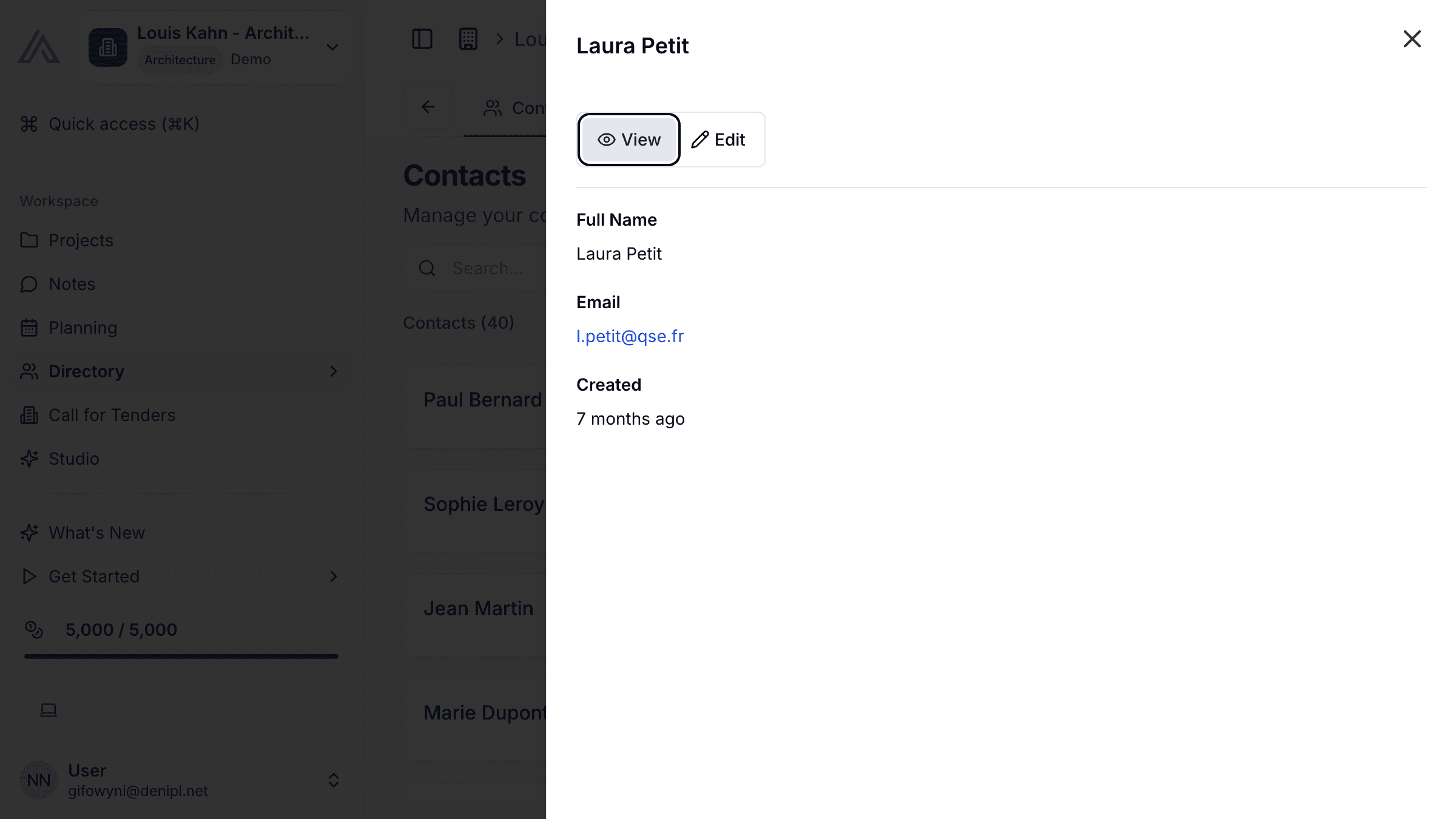
- Store contact records for people and companies with structured fields (name, role, email, phone, address)
- Tag contacts by type: client, consultant, contractor, supplier, public authority, or custom
- Link contacts to projects and assign them roles within the project team
- Track relationships between people and their parent companies
- Search and filter contacts by name, tag, company, or project involvement
- Import and export contacts via CSV for easy data migration
How It Works
- Go to Directory in the main menu. Click Add Contact and choose whether to create a person or a company.
- Fill in the contact details — name, role, email, phone number, and any relevant tags.
- If the person belongs to a company, link them using the Company field. The relationship is displayed on both records.
- From any project, go to the Team tab to link existing contacts as project participants with specific roles.
- Use the global search bar or the filter panel to find contacts by name, tag, or associated project.
Tips & Best Practices
- Assign consistent tags across your team so filtering remains reliable (e.g., "Structural Engineer" rather than free-form descriptions).
- Keep contact information current — update phone numbers and emails whenever you notice a change.
- Use the company record to store general information (address, website) and individual records for specific team members.
- Periodically review and merge duplicate contacts to keep your directory clean.
Related Features
- Projects — Assign contacts as team members on projects
- Tenders — Add contacts as collaborators on tender responses
- Meetings — Invite contacts to project meetings directly from their record
FAQ
Can I import contacts from my email or phone? You can import contacts via CSV file. Export your address book from your email client or phone, then use the SuperArchi import wizard to map fields and create records.
Is there a limit to the number of contacts I can store? No. You can store an unlimited number of contacts on all subscription plans.
Can I restrict who sees certain contacts? Contact visibility follows your workspace permissions. Admins can configure whether all members see the full directory or only contacts linked to their projects.
Last updated: 10 April 2026