Notes
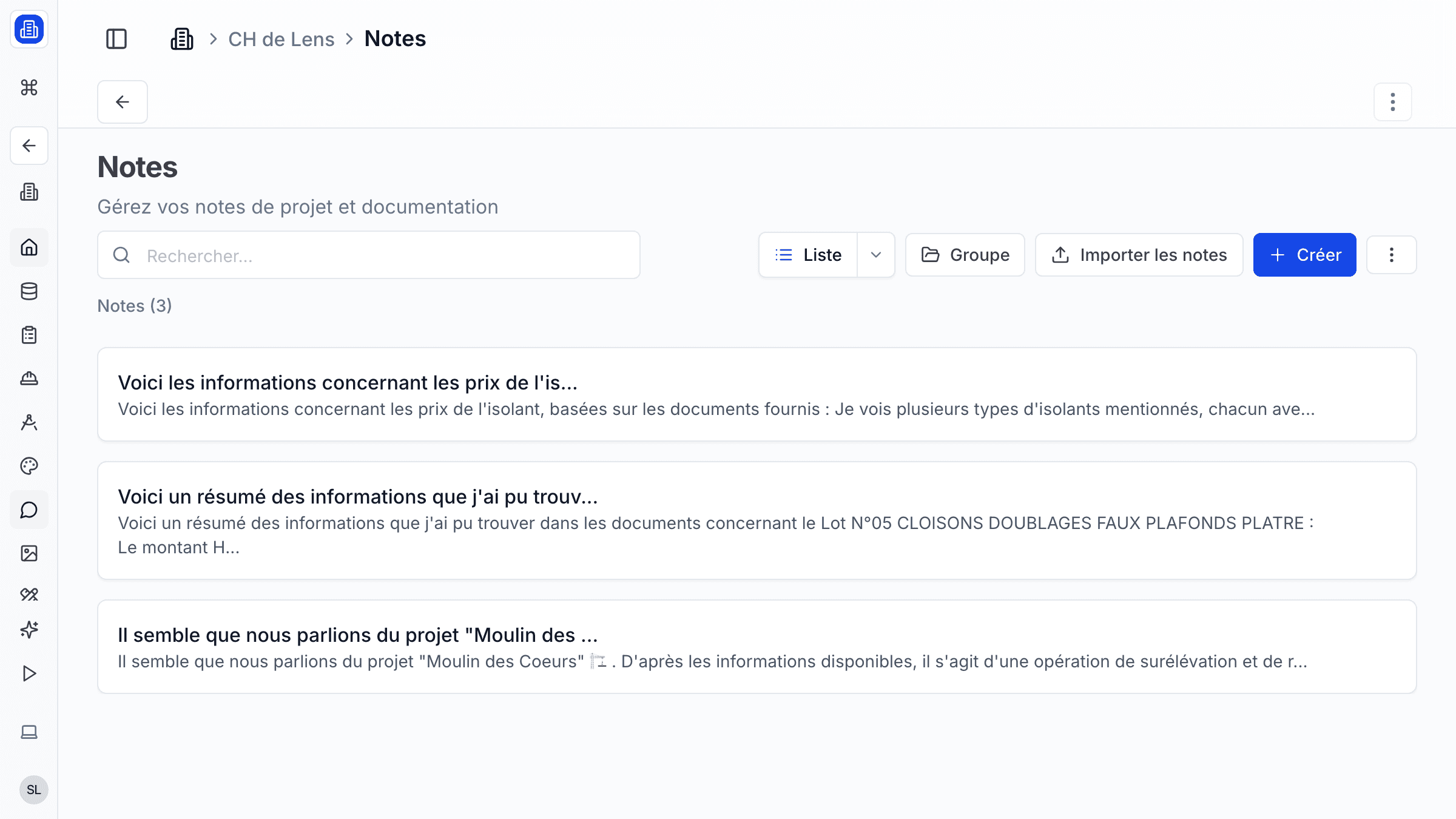
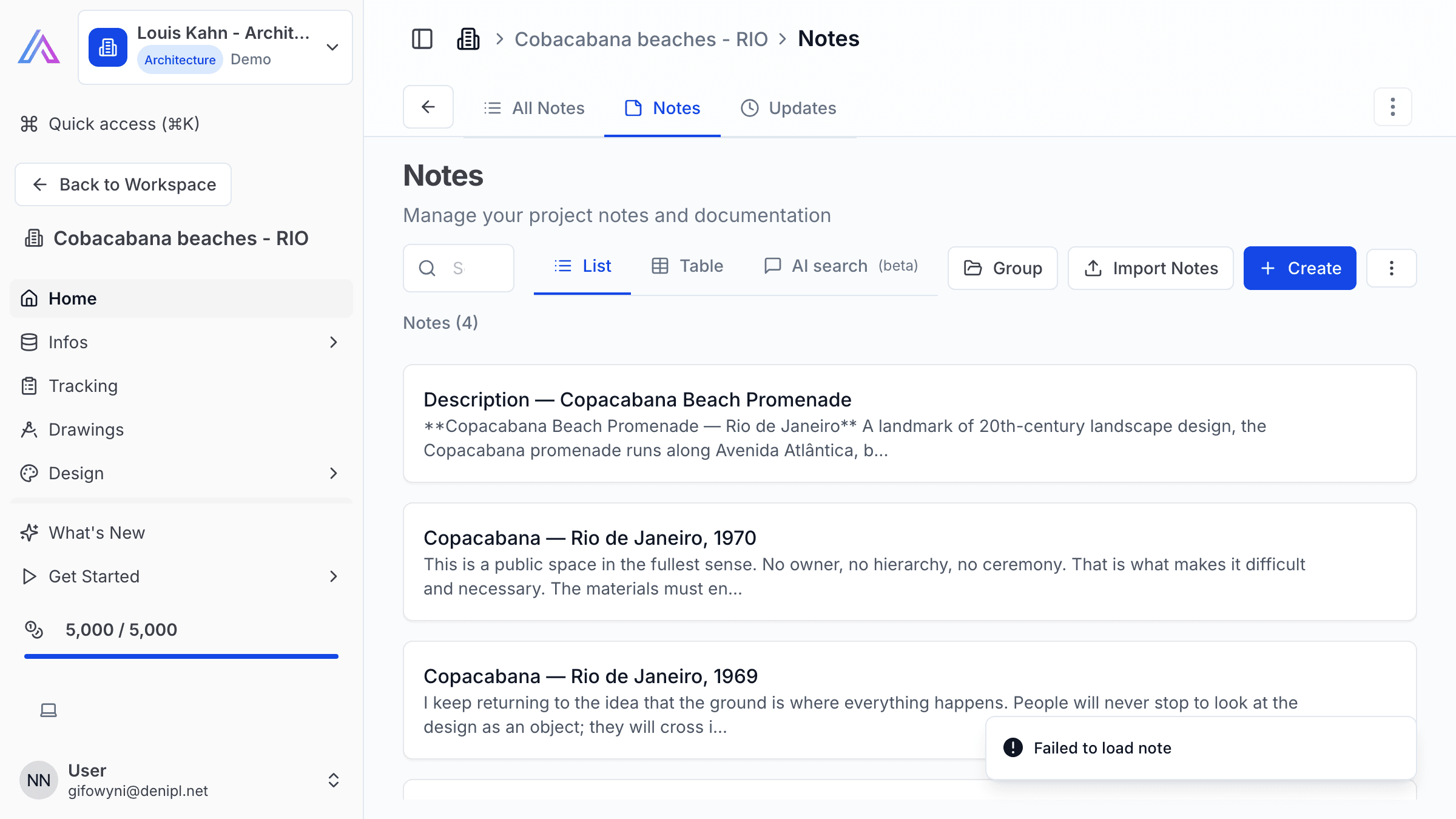
Capture design decisions, meeting takeaways, site observations, and project updates with SuperArchi Notes. Rich-text editing, tagging, and project linking ensure that important information is always easy to find and share with your team.
Key Capabilities
- Create rich-text notes with headings, checklists, images, and file attachments
- Tag notes by project phase, topic, or custom label for quick retrieval
- Link notes to specific projects, packages, or meetings
- Pin important notes to the top of the list so the team sees them first
- Search across all notes by keyword, tag, or date
How It Works
- Open a project and navigate to the Notes tab, or use the global Notes section from the main menu.
- Click New Note and use the rich-text editor to format your content — add headings, checklists, images, or attached files.
- Tag the note with a project phase, meeting date, or custom label so it is easy to find later.
- Share the note with your team by linking it to the relevant project or meeting.
Tips & Best Practices
- Pin critical notes (e.g., client brief summary, design guidelines) to the top of the project notes list.
- Use a consistent tagging convention across your firm so notes are easy to filter and retrieve.
- Attach photos or sketches directly in notes to keep visual context alongside written observations.
- Review project notes before meetings to refresh your memory on recent decisions and open questions.
Related Features
- Projects — Notes are organised within their parent project
- Tasks — Reference notes in tasks for additional context
- Meetings — Link meeting minutes and follow-up notes
FAQ
Who can see my notes? Notes linked to a project inherit the project's visibility. All project members can read and edit project notes. Personal notes (not linked to a project) are private to you.
Can I export a note? Yes. You can export individual notes as PDF or copy the content to your clipboard for use in other tools.
Is there a limit to the number of notes per project? No. You can create as many notes as needed within any project.
Last updated: 10 April 2026