Claude Connector (MCP)
Connect Claude to your SuperArchi workspace so you can ask questions about your projects and have Claude carry out routine updates for you, without leaving the conversation. The connector lets Claude read and update your projects, tenders, contacts, documents, meetings, construction follow-up, and estimates, using your own SuperArchi account and permissions.
Key Capabilities
- Workspaces: list your workspaces, create or update one, and switch the workspace Claude works in.
- Projects and planning: list and open projects, create or update them, read project statuses, and manage stages, milestones, and tasks.
- Tenders: browse calls for tenders, read their details, and create or update them.
- Contacts and companies: look up, create, and update people and companies, and attach contacts to projects.
- Documents: list documents, upload new ones, and search their content.
- Meetings: create meetings, attach sources, generate the structured report and its PDF, and share it.
- Construction: manage construction phases and tasks, and read drawings, specifications, and architect packages.
- Estimating: read estimates, quotes, and bills of quantities, add quote lines and quantities, and match prices.
- Notes: read, create, and update project notes.
- Photos: list and create photo series.
- Actions that change or delete data, publish a link, or send an email are flagged as such, so Claude can ask you before running them (depending on your Claude settings).
How It Works
- In Claude, open Settings → Connectors and add a custom connector. The address to enter is: https://mcp.superarchi.co/mcp-superarchi Once SuperArchi is listed in the Claude connectors directory, you can add it from there instead.
- Claude opens a SuperArchi page. Sign in with your normal SuperArchi account, check the access requested, and click Allow access.
- Back in Claude, start asking. For example:
- "List my active projects and tell me which ones have overdue tasks."
- "Search my documents for the fire-safety requirements of the Fairmount Rowhouses project."
- "Summarize the last site meeting and list the open actions."
- "Create a task 'Send revised drawings to the structural engineer' on this project."
- When Claude needs to change something, it usually shows you the action first, depending on your Claude settings. Approve it to go ahead.
Tips & Best Practices
- Name the project or workspace in your request. If you belong to several workspaces, Claude will pick the one you mean.
- Ask for one thing at a time on large workspaces. Long lists are returned in pages of 50 items, and Claude can ask for the next page.
- For a meeting report, attach the transcript or notes first, then ask Claude to generate the report. Generation runs in the background and can take a minute.
- Review what Claude proposes before approving writes, especially when sharing a meeting report, which creates a public link.
Related Features
- Projects — The projects Claude reads and updates
- Meetings — Meeting reports generated from your sources
- Documents & Files — Documents Claude can upload and search
- Estimating — Quotes and quantities available through the connector
FAQ
What does the connector have access to? Everything your SuperArchi account can access, in every workspace you belong to. It does not give Claude more rights than you have. Claude only sees data when it calls a tool to answer your request.
Does it generate images? No. AI image generation (SuperArchi Studio) is not part of this connector.
How long does a connection last? Claude receives a short-lived access token (1 hour) and renews it automatically with a refresh token that is valid for 30 days. When the refresh token expires, Claude asks you to sign in again.
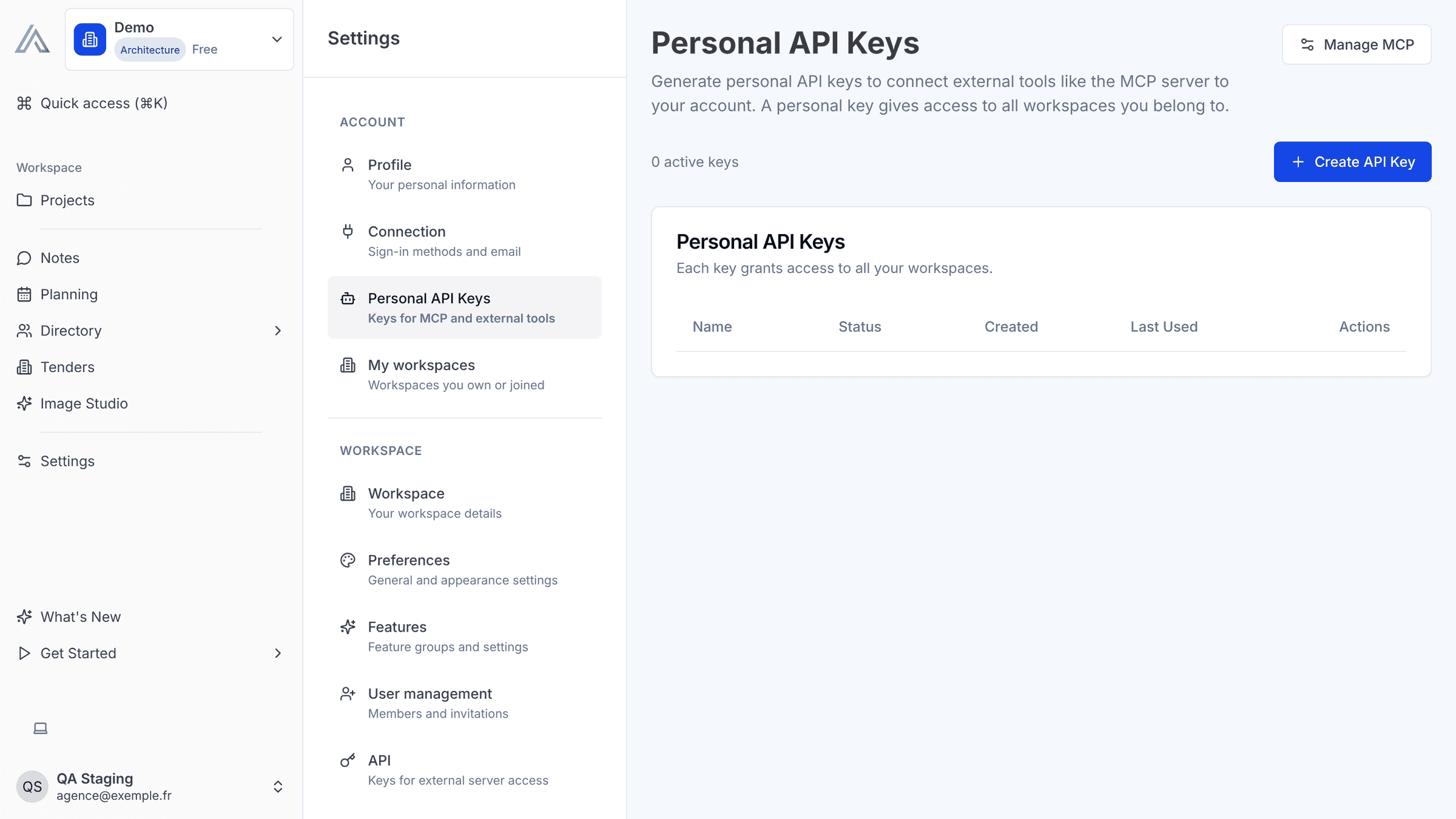
How do I disconnect Claude? Open Settings → Personal API Keys in SuperArchi. Each connected app has its own key, named after the app (for example "Claude · SuperArchi"). Click Revoke on that key: it stops working immediately. You can also remove the connector from Claude's settings.
Where is my data sent? The data Claude requests is sent to Claude, the AI app you connected, as part of your conversation. See our privacy policy for details.
Who do I contact for help? Use the contact page.
Last updated: 17 November 2026